How to Start a Blog or Small Online Shop for Digital Planners

Starting small, whether with a free online to do list or a simple set of digital planners, lets you learn as you go. That sounds like something printed on a mug, but it's the most honest advice available. A first planner printable can be a plain weekly page, made because you couldn't find one you liked. It wasn't pretty. A few people downloaded it anyway, and that tiny bit of interest taught me more than months of reading about "building a brand" ever did.
This guide walks you through the first steps of starting a planner blog, a small planner shop, or a bit of both. Below you'll find what's worth doing, what to skip, and where you'll want to check details for yourself.
Short on time? Our top picks: Canva, Google Sheets, Etsy and Gumroad. See all picks
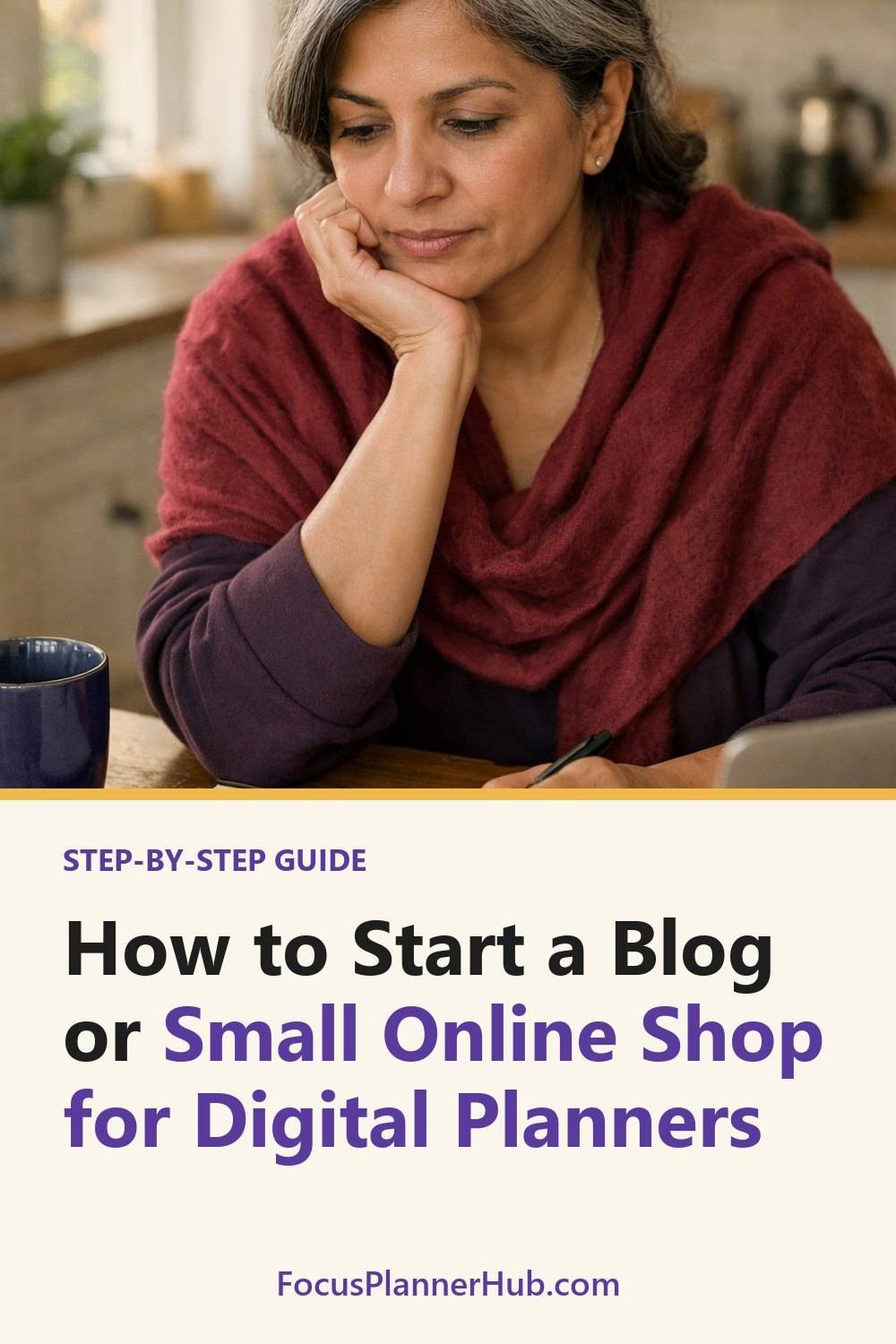
Quick summary
- Decide if you want to write (blog), sell (shop), or start with one and add the other later.
- Pick a narrow angle, like planners for nurses or for people who hate busy layouts.
- Make one useful thing first: a single printable or a single helpful post.
- Choose a selling spot that matches your patience for tech and your need for traffic.
- Take clear, simple photos. You don't need fancy gear.
- Start an email list early, even if only five people join.
- Check taxes, business rules, and font or image licenses before you sell anything.
- Expect slow growth. Plan to keep going for months, not weeks.
Blog, Shop, or Both? Picking Your Starting Point
A lot of people freeze here because they think they have to decide forever. You don't. You're just picking what to do first.
If you like writing and explaining things
A blog might suit you better. You'd write posts about how you plan your week, how you set up an online habit tracker, or how you stopped buying planners you never use. Posts can bring in readers over time, and those readers might later want something you make.
The downside? Blogs are slow. You can write twenty posts and hear crickets for a while. If you need to see something happen quickly to stay motivated, that can be hard.
If you like designing and making things
A small shop could be the better fit. You'd make printables, digital planners, stickers, or inserts and sell them. You get a clearer signal early on: either someone buys, or they don't.
The catch is that a shop with no visitors is just a quiet room. You'll still need some way to get people to see your stuff.
Why I lean toward starting with both, lightly
Here's my honest opinion. A tiny shop plus a tiny blog works well together. The blog answers questions people are searching for, and the shop gives them something to take home. But "lightly" is the key word. One product and three posts is a fine start. Ten products and zero posts, or fifty posts and nothing to offer, is where people tend to burn out.
Find a Narrow Angle (Yes, Narrower Than You Think)
"Planners" is huge. So is "productivity." When you start that broad, you're competing with everyone, and you don't sound like anyone in particular.
A narrow angle is a specific person with a specific problem. Some examples:
- Planners for teachers who want to track lesson prep without a 200-page binder
- Minimal, black-and-white printables for people who get overwhelmed by color
- Budget-friendly planning for students who print at the library
- Planning pages for people with shift work, where Monday to Friday doesn't make sense
- Meal and grocery planning for big families
How to pick yours
Start with your own life. What did you struggle to find? What do friends ask you about? Minimal weekly layouts are a smart pick if the planners you've tried had tiny boxes and too many quotes. That annoyance turned into a direction.
You can also look at what people are asking in planner groups and forums. Notice the complaints. "I wish there was a planner that..." is basically a product idea handed to you.
Don't worry about being too small
New sellers often fear their angle is so narrow nobody will care. A common problem is the opposite. A vague shop is easy to scroll past. A shop that says "weekly planners for night shift workers" makes the right person stop.
Make Your First Thing
This is where you stop planning and start doing. Funny, given the topic.
Your first product
Keep it to one item. A single weekly page, an online habit tracker, or a simple monthly calendar is plenty. You can skip giant 365-day bundles at the start. They take ages, and if nobody wants them, you've lost weeks.
Some tools people use to design printables:
- Free online project management tools or low-cost design tools with templates, such as Canva
- Word processors or spreadsheet apps like Google Sheets, which work fine for simple grids and as an online to do list maker
- Full design programs, if you already know them
You can make your first pages in a spreadsheet app. Not glamorous. It worked. Whatever you choose, check each tool's terms on what you're allowed to sell. Some templates and elements are fine for personal use but not for products.
Your first blog posts
Write posts that answer real questions. "How I set up a weekly planner in 15 minutes" is better than "My thoughts on planning." Specific titles help readers know exactly what they'll get.
A good starter set might be:
- A post about your own planning setup, with photos
- A how-to post that solves one small problem
- A post comparing two ways of planning, like daily versus weekly pages
Three solid posts beat ten rushed ones. Your first post may need several rewrites and might still feel a little embarrassing. That's normal.
Test it on yourself first
Print your page. Use it for a full week. You'll find the box that's too small, the line spacing that's off, the date that's in the wrong spot. It's easy to sell a page where Sunday is missing. A customer kindly pointed it out. Use your own product before anyone else does.
Where to Sell: Comparing Your Options
There's no single best place. Each option trades something off. Fees and rules change, so always read each platform's current pages before signing up.
Online marketplaces
These are big sites where lots of sellers list products. The main plus is that shoppers are already there browsing. The minus is that you're one shop among many, you follow their rules, and they usually take fees.
Good for: people who want some built-in traffic and don't want to build a website yet.
Your own website shop
You can use a store builder or add a shop to your blog. You control how it looks and how you talk to customers. But nobody shows up unless you bring them.
Good for: people who already have a blog, an email list, or a social following.
Digital download platforms
Some services are made just for selling files. They handle delivery for you, and setup can be pretty quick. They're usually simpler than a full store, which can be a relief.
Good for: printable and digital planner sellers who want something fast and simple.
Print-on-demand
If you want physical planners or notebooks without holding stock, print-on-demand services print and ship items when someone orders. You don't touch inventory. On the other hand, you have less control over quality and shipping times, so order a sample for yourself first.
My take
For a total beginner selling printables, I'd start with one place, not four. Spreading yourself across every platform sounds smart but mostly means four sets of listings to update. Pick one, learn it, then add another if it makes sense.
Setting Up a Shop for Digital Planners Without Overdoing It
You can lose a whole month picking fonts. It is an easy mistake to make. Please don't.
The bare minimum
- A name you like and can spell out loud without confusion
- A simple logo or just your name in a clean font
- A short "about" section that says who you help
- One product or a few posts
- A way to contact you
That's enough to open the doors. Color palettes, brand guides, and custom illustrations can wait.
Writing product descriptions
Be plain and clear. Say what the file is, the page size, how many pages, whether it's printable or for a tablet app, and what someone needs to use it. If it's a digital download, say so loudly. People do sometimes expect a physical item in the mail.
A quick example: "One-page weekly planner, US Letter and A4 sizes included. Instant PDF download. Print at home. No physical item will be shipped." Boring? Maybe. Clear? Yes. Clear wins.
Picking a blog setup
Plenty of blogging platforms exist, from free hosted ones to self-hosted sites you manage yourself. Free ones are easier but may limit what you can do later. Self-hosted gives more control but asks more of you. If you're unsure, start simple. You can move later, though it's a bit of a chore.
Photos and Mockups That Don't Look Fake
Planner shoppers are visual. They want to see the page before they buy.
Real photos
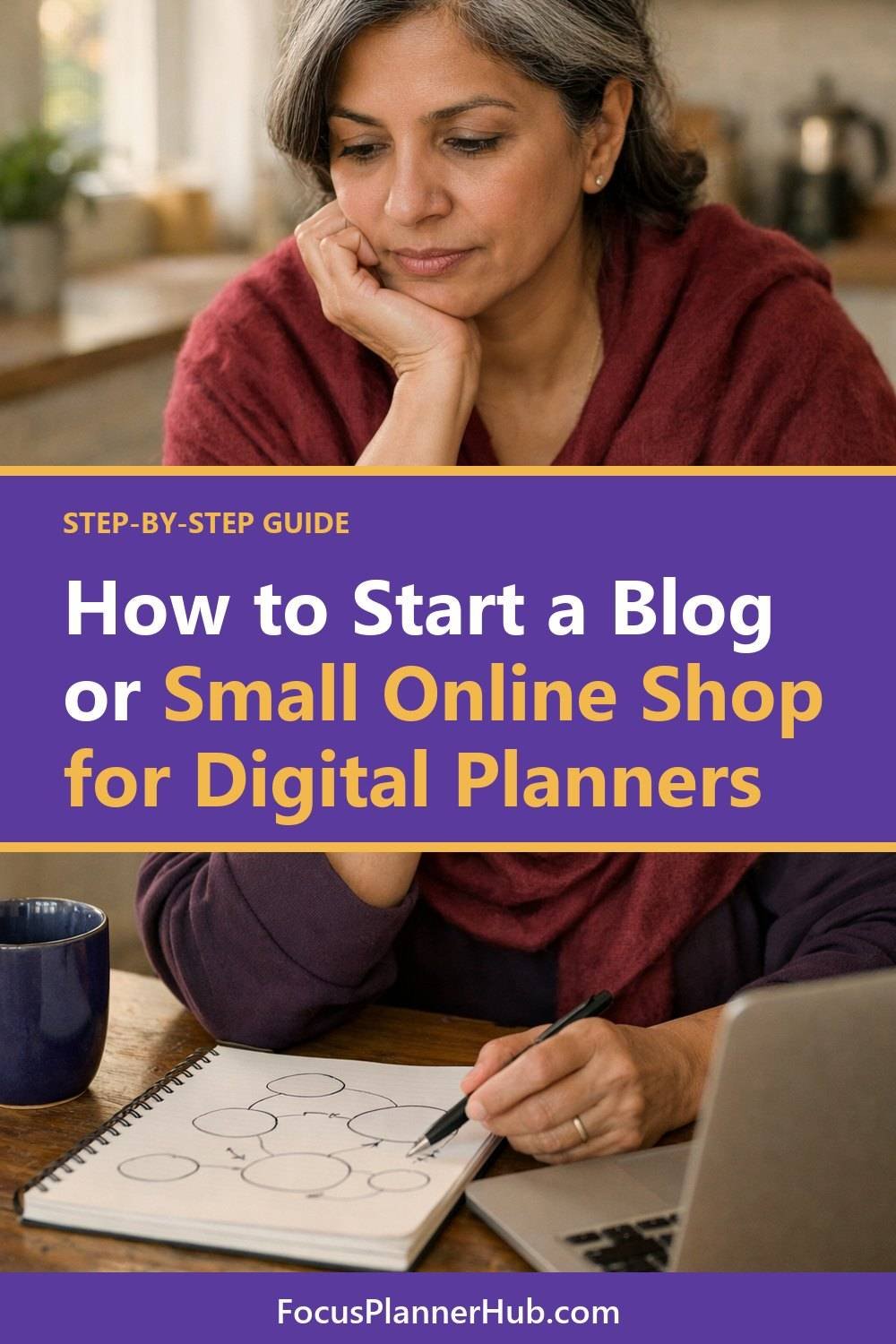
Print your page, put it on a desk near a window, and take a photo in daylight. Add a pen, a mug, maybe your actual messy handwriting. Real photos feel honest, and I think they often feel more trustworthy than overly polished ones.
Avoid strong yellow indoor lighting. It turns white paper beige. Shooting a whole set at night is an annoying way to learn this.
Mockups
Mockups are template images where you drop in your design. They look clean and save time. Just check the license, since some aren't allowed for commercial use. And don't make the mockup so dreamy that your actual product disappoints.
Show the inside
Include a straight-on, flat image of the actual page so people can see the layout clearly. Fancy angled shots are nice, but the flat one is the one people zoom in on.
Getting Your First Visitors
Nobody tells you how quiet the first weeks can be. You publish, you refresh, nothing. That's not failure. It's just the start.
Search
Blog posts and product listings can show up in search over time when they match what people type. Use the words real people use. "Printable weekly planner" is better than a clever name nobody searches for. Put those words in your title and description naturally, not stuffed in ten times.
Pinterest and image-based sites
Planner content tends to fit visual platforms. You can make simple pin images for your posts and products. It takes patience, and results vary a lot from person to person, so treat it as one experiment, not the whole plan.
Social media and communities
Share your process, not just your products. A short clip of you setting up a weekly page is more interesting than another "new in shop!" post. In planner groups, help people first. Most groups don't like drive-by selling, and honestly, neither do I.
Ask the people you know
Send your first printable to a few friends who actually plan. Ask what confused them. Their feedback is gold, and they might share it if they like it.
Start Your Email List Early
Waiting too long on this one is a common mistake. Social platforms change their rules, and search traffic can drop. An email list is a small group of people who actually asked to hear from you.
What to offer
Give a small, useful freebie for signing up. A single page, a checklist, or a mini tracker is plenty. It should be something you'd actually use. Here on Focus Planner Hub, for example, you can grab our Free Weekly Planner Page in 2 Layouts by joining the email list.
What to send
Short, friendly emails. A planning tip, a behind-the-scenes look, a new page you made. You don't need a weekly newsletter schedule if that stresses you out. Once or twice a month is fine, as long as you're consistent enough that people remember you.
Keep it legal and kind
Only email people who signed up. Use an email service such as Mailchimp that includes an unsubscribe link. Rules about email marketing differ by country, so check the guidance where you live or ask someone who knows.
Money, Taxes, and Rules (The Unfun Part)
This isn't accounting or legal advice, so check the rules for yourself. Here is what to look into.
- Business registration: Some places need you to register even a tiny side shop. Check your local government's website.
- Taxes: Selling online can mean income tax and, in some places, sales tax or VAT on digital goods. A local tax professional can explain your situation.
- Licenses: Fonts, clip art, and templates each have their own terms. "Free" doesn't always mean free to sell.
- Your own policies: Decide on refunds for digital files and write it down clearly in your shop.
Keep a simple spreadsheet of what you spend and what you earn from day one, or use a free online journal to note your progress. Future you will be grateful.
Common Mistakes
Most of these are easy mistakes to make. Some twice.
- Waiting until it's perfect. Your first product won't be your best. Release it, learn, improve.
- Making a giant bundle first. Test one page before you build two hundred.
- Copying popular sellers too closely. Getting inspired is normal. Copying layouts or wording isn't okay, and it won't help you stand out anyway.
- Ignoring licenses. Using a font you're not allowed to sell with can cause real trouble.
- Being on every platform at once. You'll spread thin and update nothing well.
- Unclear descriptions. If people don't know what they're buying, they'll either skip it or feel let down.
- Skipping the email list. Start it now, even if it feels pointless with three subscribers.
- Quitting after a quiet month. Slow starts are normal. Give it real time before you decide.
- Overspending on tools. Paid tools are nice, but free versions are often enough at the beginning.
The one I'd underline is the first. You can end up sitting on a finished habit tracker for weeks because the header "doesn't feel right." Nobody would likely notice. All that does is lose time.
Tools and Platforms Worth a Look
Here are some well-known options for designing, selling, and staying in touch with readers. None is the single right answer, so pick based on how much tech you want to deal with.
Canva
Suits beginners who want a drag-and-drop way to build printable pages. Check the license terms for templates and elements before you sell anything made with them.
Google Sheets
Suits people who want to build simple grids and trackers without learning a design program. Check how the page exports to PDF and whether the layout holds up when printed.
Etsy
Suits sellers who want a marketplace where shoppers already browse for planners and printables. Check the current fees and the rules for digital listings before you open a shop.
Gumroad
Suits people who want a simple way to sell and deliver digital files. Check the fee structure and what payout options are available in your country.
Shopify
Suits sellers who want their own branded store and already have some traffic from a blog or list. Check what you'd need to add for digital downloads and how the monthly costs compare to your expected sales.
WordPress
Suits bloggers who want full control over their site and are willing to manage it. Check the difference between the hosted version and the self-hosted one, since they work quite differently.
Mailchimp
Suits beginners starting an email list with a freebie sign-up form. Check the limits on the free plan and how easily you can export your subscribers if you switch later.
Printful
Suits sellers who want physical planners or notebooks without holding stock. Check shipping times and order a sample yourself before listing anything.
Check current plans and prices on each brand's own site before you decide.
FAQ
Do I need design experience to sell planner printables?
No, but you do need to care about clarity. Simple, clean layouts often do better than busy ones, and basic tools are enough to start. You'll get better with each page you make.
How long does it take to see sales or readers?
It really varies, and I can't promise any timeline. Some people get a first sale quickly, others wait months. Focus on making useful things and showing up steadily rather than watching the numbers every day.
Should I sell printables or digital planners for tablets?
Start with whichever you'd use yourself, whether a printable or an online to do list maker style digital page, since you'll understand the buyer better. Printables are usually simpler to make. Digital planners with clickable tabs take more setup, so they might be a good second step.
Can I run a planner shop while working a full-time job?
Many people do it as a side project, sometimes with free project management software online to stay organized. Keep your goals small, like one product a month or one post a week. Small and steady is easier to keep up than big bursts that leave you tired.
If you're ready to take a first step today, sign up for the Free Weekly Planner Page in 2 Layouts. Print it, use it for a week, and notice what you'd change. That little list of changes might just become your first product idea. Then come back and read a few more of our posts on planning and setting up your shop, and start sketching the one page you'd love to make yourself.
1. Choose a narrow topic
Weekly planning, habits or study.
2. Check the costs
Tools, fees and time.
3. Set up the basics
A simple site, a contact page and a disclosure.
4. Write your offer
Who it is for and what they get.
5. Share carefully
Keep claims modest.
6. Keep records
Track income and costs from day one. Results vary and many people earn little at first.
Ready to look?
This is a link to an offer from another seller. Check the seller's page for current terms.
Want a printable to keep track while you work? Get our free weekly planner page in 2 layouts.