Home-Office Desk Accessories for Men: What to Compare

The right desk accessories for men, women, and everyone in between can make a workspace tidier. They can also turn your desk into a junk drawer with a keyboard on top. Both approaches are common. It's easy to buy a desk organizer, a pen cup, a phone stand, a little plant, a monitor riser, and two cable boxes in a single weekend, so compare each one before you commit. Most of them were gone within six months.
What stuck around were the things that fixed a real problem I had every single day. So this guide is about how to compare desk accessories for a home office before you buy them. It's not a list of "must-haves." It's how to look at a product and figure out whether it'll earn its spot on your desk.
This goes category by category, covers what to check, and points out where people tend to waste money.
Short on time? Our top picks: BenQ ScreenBar, Ergotron Monitor Arms, Amazon Basics Monitor Stands and Arms and Grovemade Desk Mats and Organizers. See all picks
Quick summary
- Fix your biggest daily annoyance first, not the thing that looks nicest in photos.
- Measure your desk depth and width before buying anything that sits on it.
- Check weight limits on monitor stands and arms against your actual screen.
- Light matters more than most people think. Compare brightness control and color warmth, not just looks.
- Cable management is boring but makes the biggest visual difference for the least money.
- Buy storage for what you actually own, not what you imagine owning.
- Comfort items like wrist rests and footrests are personal. If you have pain, talk to a professional before you shop.
- Fewer, better items usually beat a full matching set.
Start With How You Actually Work
Before you compare anything, spend one normal workday paying attention to what bugs you. Make sure you really notice it. Do you keep losing your pen? Is your neck tired by 3 p.m.? Do your cables fall behind the desk every time you unplug your laptop?
Write those down on a scrap of paper. That list is your shopping list. Everything else is optional.
Your desk size sets the limits
Grab a tape measure. Check how deep your desk is from front to back, and how wide. A lot of home-office desks are smaller than office desks, and accessories are often designed for the bigger ones. A monitor riser, such as one from Amazon Basics, that looks small online can eat half of a shallow desk.
Keep a note on your phone with your desk measurements. It sounds a bit much, but it's saved me from at least two returns.
Laptop, monitor, or both?
Your setup changes what's worth buying. If you work only on a laptop, a laptop stand and a separate keyboard might matter most. If you use one or two monitors, you'll care more about stands, arms, and cable routing. If you switch between the kitchen table and a desk, anything heavy or clamped down is probably a bad fit.
Monitor Stands, Risers, and Arms
Raising your screen is one of the most common upgrades people make, and for good reason. A lot of us look down at our screens all day. But there are a few different ways to do it, and they're not equal.
Risers vs. arms
A riser is a little shelf your monitor sits on. It's simple. No tools, no clamps. Many have space underneath for a keyboard or notebook. The downside is you only get one height, and it takes up desk space.
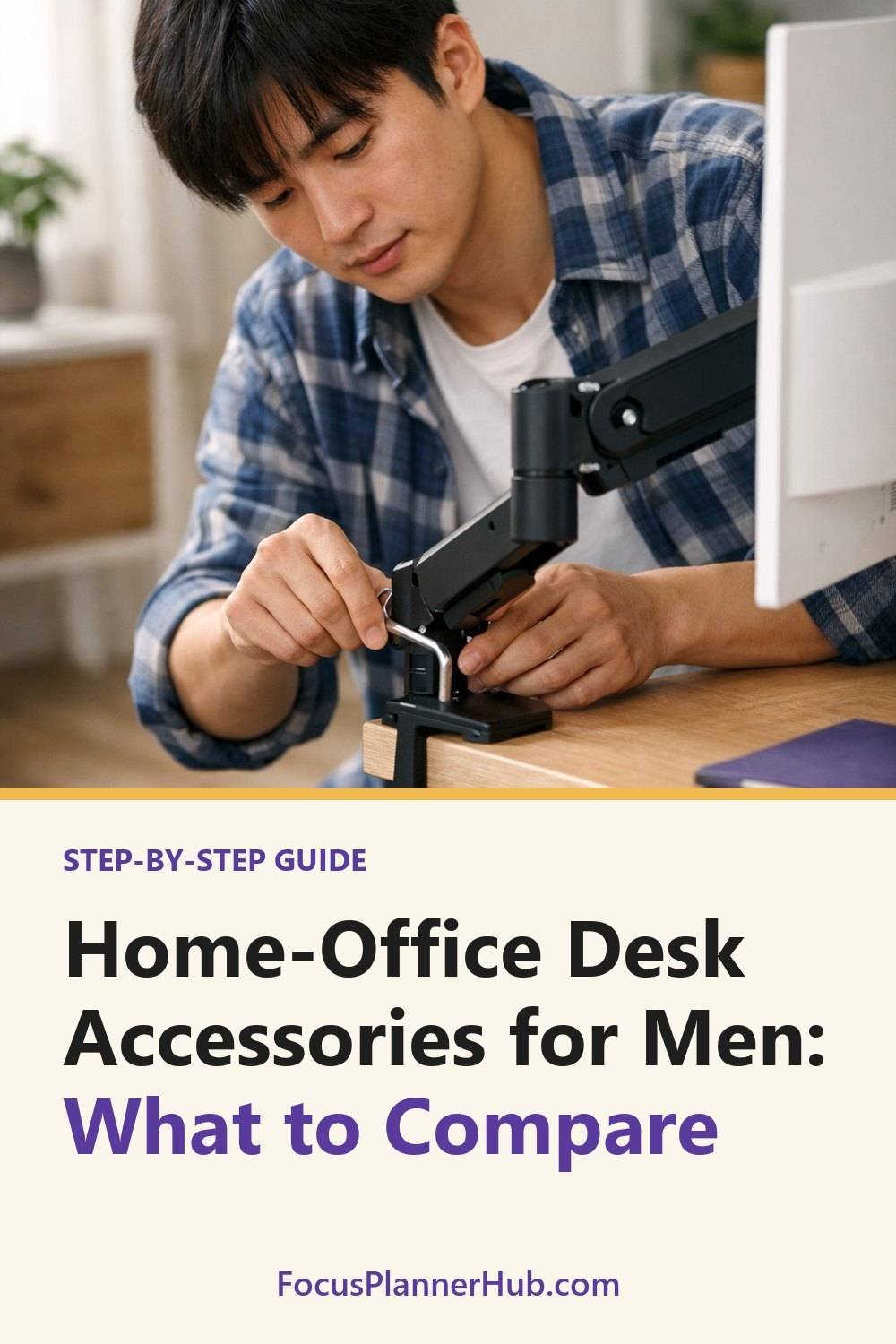
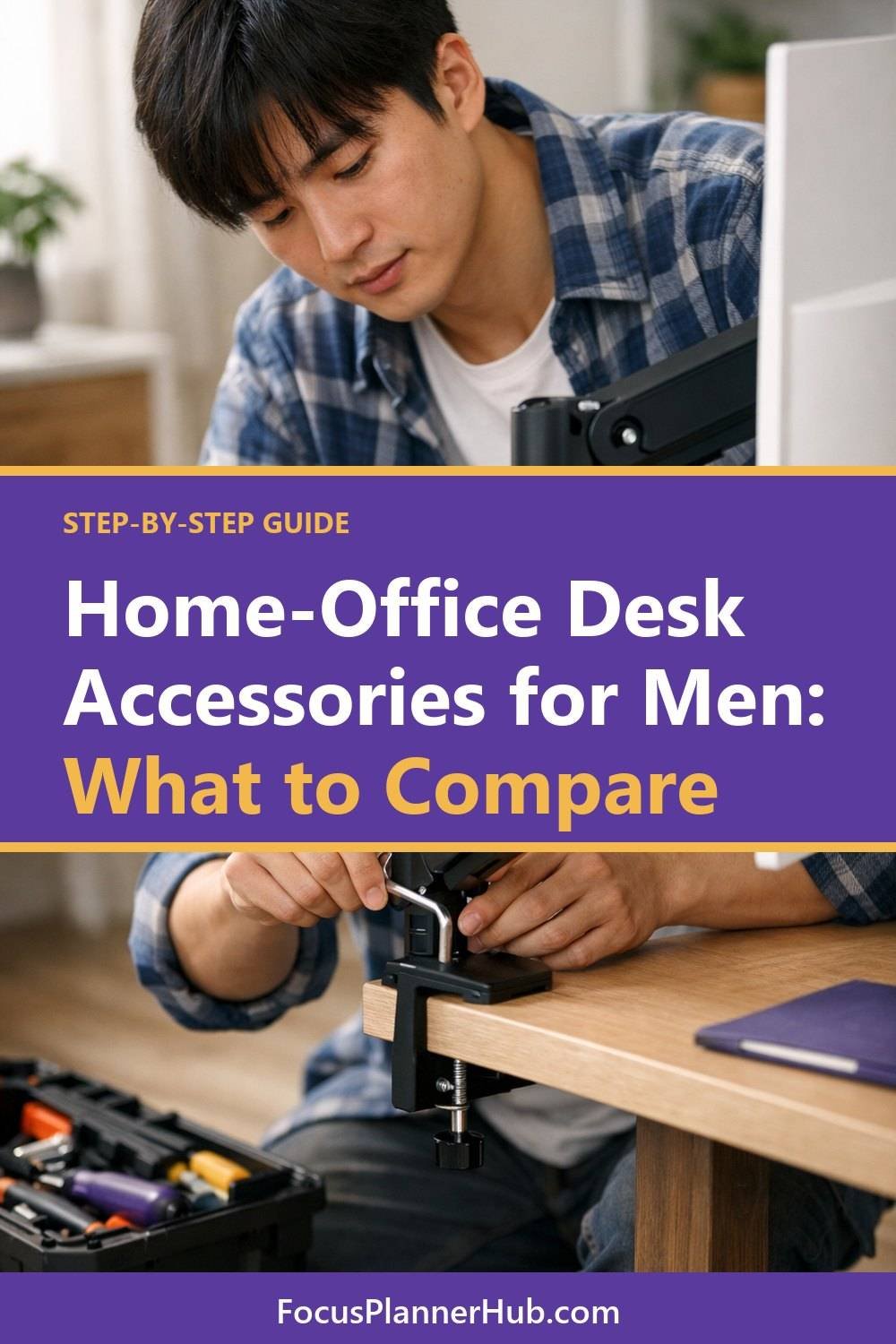
A monitor arm clamps or bolts to your desk and holds the screen in the air. You can usually move it up, down, forward, and back. It frees up the desk surface. But it needs a desk edge that can take a clamp, and setup takes longer. Some are fiddly. Adjusting a tension spring can easily eat up a Sunday afternoon.
What to compare
- Weight limit. Check your monitor's weight on the maker's page, then check the arm or riser's limit. Don't guess.
- Mount type. Arms need a mounting pattern on the back of your monitor. Many screens have one. Some slim ones don't.
- Desk thickness. Clamps fit a range of desk thicknesses. Look this up.
- Height range. If you're tall, short, or use a standing desk, make sure the range actually fits you.
Honestly, if you just need your screen a few inches higher and you're not sure, a stack of sturdy books for a week will tell you whether it helps. That's free.
Desk Mats and Surface Covers
Many people assume desk mats are pure decoration, but a good one protects your desk and gives your mouse a smooth surface. A good desk mat can make a mouse glide better and leave fewer coffee rings on the desk. So I've changed my mind a little.
Material differences
Fabric mats with a rubber base are soft and good for mouse use. They can stain, though some are washable. Faux leather or PU mats wipe clean easily and look neat, but some feel slippery under a mouse. Felt mats are quiet and warm-feeling, but they pick up crumbs and lint like nothing else.
Size is the main decision
A big mat that covers the keyboard and mouse area looks tidy and gives you one smooth surface. A small one just under the mouse is cheaper and easier to clean. Measure your keyboard and the space you move your mouse in. Then add a little room on each side.
One small thing: check whether the edges are stitched. Unstitched edges on fabric mats sometimes fray over time. That's not a deal-breaker, just something I'd look for.
Cable Management
This is the least exciting category and probably the one that can change a desk the most. A tangle of cables makes a clean desk look messy. Fixing it doesn't usually cost much.
The main types
- Cable clips stick to the desk edge and hold a charger cable so it doesn't fall behind the desk. Cheap and really useful.
- Cable trays mount under the desk and hold power strips and extra cable length.
- Sleeves wrap several cables into one tube.
- Velcro ties bundle loose cable. You can reuse them, which I like.
- Cable boxes hide a power strip on the floor.
How I'd compare them
Check how the item attaches. Adhesive clips are easy but can peel off rough surfaces or leave marks on some finishes. Screw-on trays hold up better but put holes in your desk. If you rent or might sell the desk later, that matters.
Also think about how often you unplug things. If you move your laptop a lot, you want cables that are easy to grab, not zipped into a sleeve. Sleeving a laptop charger can be a mistake, since it is easy to regret within a day.
If you want to try one thing first, I'd go with a few cable clips and Velcro ties. Start there before buying a big under-desk tray.
Desk Lamps for Home Office and Better Lighting
Good light is easy to overlook until you have it. A single ceiling light behind you can put a shadow right on your notebook. A desk lamp fixed that in about five minutes, and an office desk light is now the first thing I suggest to friends.
Features worth comparing
Brightness control. A lamp you can dim is much more useful than one with only on and off. Daytime and late evening need very different light.
Color temperature. Some lamps let you switch between warmer, yellow-ish light and cooler, whiter light. Warmer light works well at night and cooler light suits detailed work. Whether that matters to you is personal.
Reach and adjustability. Can you point the light where you need it? A lamp with a fixed head is fine for general light, but an adjustable arm helps for reading paper.
Base vs. clamp. Clamp lamps save desk space. Weighted base lamps can move around easily.
Monitor light bars
These, like the BenQ ScreenBar, sit on top of your screen and shine down on the desk. They don't take any desk space, which is great on a small desk. The thing to check is whether it fits your monitor's thickness and shape, especially curved screens. Read the seller's fit info carefully.
If you have eye strain or headaches, a lamp isn't a treatment. Mention it to an eye doctor instead of hoping a gadget fixes it.
Desk Organizers and Accessories for Storage
Here's where I wasted the most money. Organizers look so satisfying in photos. Then you get them home and realize you own four pens and a stapler.
By the way, if you plan your week on paper, our free Weekly Planner Page in 2 Layouts is yours when you join the email list, and it fits nicely in a desk tray.
Count what you have first
Empty your desk drawer onto the desk. Seriously. Sort it into what you use daily, weekly, and almost never. The "almost never" pile can go in a drawer or box somewhere else. Only the daily pile needs to live on your desk.
When I did this, my daily pile was a pen, a highlighter, sticky notes, my planner, and my headphones. That's it. You probably don't need a six-compartment organizer. One small tray and a hook may be all you need.
Types to compare
Desktop organizers with slots and cups keep small stuff in sight. They're handy but take up space.
Under-desk drawers stick or screw under the desk. They keep the top clear. Check how much leg room you'll lose.
Monitor shelves and risers with drawers combine two jobs, which is nice on small desks.
Pegboards and wall shelves move storage off the desk entirely. If you have a wall behind your desk, this is worth thinking about.
Rolling carts sit beside the desk and roll away when you need room. These work well for people who work at the dining table.
Material matters more than you'd think
Plastic is light and cheap, and some of it looks and feels flimsy. Acrylic desk accessories look clean and modern, though they scratch more easily. Metal mesh is sturdy and tends to last. Wood looks warm but can be heavier and pricier. Bamboo sits in the middle for many people. None of these is "best." Pick what matches how much you'll move it and how long you want it to last.
Paper Tools and Planning Accessories
This is a planner site, so of course I have opinions here. Even if you do most of your work on screen, a bit of paper on your desk can help you keep track of the day.
Planner and notebook stands
A small stand that holds your planner open at an angle makes it easier to glance at your list. Compare the angle, whether it folds flat, and whether it can hold the size of planner you use. Some only fit small notebooks.
Desk whiteboards and notepads
Small desktop whiteboards are fun for a quick to-do list. The ones that sit in front of your keyboard double as a little shelf. They tend to get cluttered with old notes, so wipe yours regularly, such as every Friday.
Large desk-pad calendars are another option. They cover a lot of space and give you a writing surface. They are good for a monthly view. They're less handy if you type all day, since your keyboard ends up sitting on the notes.
Pen holders
Get a small one. Most people own way more pens than they use, and a big holder just encourages keeping dried-out ones. Skip fancy multi-cup holders unless you draw or use lots of colors.
Comfort Extras: Wrist Rests, Footrests, and Cushions
This category is personal. What feels great for one person feels awkward for another. And if you already have pain in your wrists, back, or neck, please talk to a doctor or physical therapist before buying things meant to help. A blog post can't tell you what your body needs.
Wrist rests
Gel and memory foam are the common options. Gel stays a bit cooler, while foam feels softer. Check the length against your keyboard and the height against how high your keyboard sits. A rest that's too tall can feel worse than none at all. You may find you don't actually rest your wrists on a desk mat while typing, only between bursts, so pick one for comfort and grip rather than wrist support. So it ended up being a mouse pad cushion.
Footrests
If your feet don't sit flat on the floor, a footrest can make sitting more comfortable. Compare adjustable height, whether the surface is grippy, and whether it rocks. Some people love rocking footrests. Some people find them distracting.
Seat and back cushions
These can help with an older or hard chair. Check the size against your chair seat, and whether the cover comes off for washing. Look at the seller's return policy, since comfort is hard to judge from photos.
Comparing Desk Accessories for Men: Build Quality and Value
Two products can look identical in photos and feel completely different on your desk. Here's how I try to tell them apart before buying.
Read product details, not just photos
Look for actual measurements, weight, materials, and weight limits. If a listing is vague on these, that's a small warning sign for me. Product photos are often taken with props that make things look bigger or smaller than they are. Compare the dimensions to something you own, especially for desk lamps for office use, which can be bulkier than they look.
Read reviews for patterns
One bad review doesn't mean much. Five reviews all saying the clamp slipped or the adhesive fell off tells you something. Look for comments from people who've used it for a while, not just the first day.
Think about the whole set
Matching sets, including office desk accessories for her or for him, look tidy, and I get the appeal. But you often end up paying for pieces you don't need. It is better to buy the one thing you need from wherever it's best, even if colors don't match perfectly. A bit of mismatch looks lived-in, which I kind of like.
Common Mistakes
These are common mistakes, so no judgment.
- Buying everything at once. You can't tell what helps if you change seven things in one weekend. Add one item, use it for a week or two, then decide on the next.
- Skipping measurements. Desk depth, monitor weight, desk thickness for clamps. These cause most returns.
- Shopping for looks over use. A beautiful organizer that holds nothing you own is just clutter with better branding.
- Ignoring cables. People buy pretty accessories and leave a cable mess right behind them. Fix cables early and everything else looks better.
- Treating comfort gear like medical gear. Wrist rests and cushions can feel nice. They're not a fix for ongoing pain. See a professional for that.
- Forgetting about cleaning. Felt mats, open trays, and textured surfaces collect dust. If you hate cleaning, pick things you can wipe down.
- Not checking the return policy. Especially for chairs, cushions, lamps, and anything you need to feel or see in person.
Desk Accessories Worth a Look
These are well-known options in the categories covered above. Treat them as starting points for your own comparison, not as the only good choices.
BenQ ScreenBar
A monitor light bar that suits people with a small desk who want light without losing surface space. Check that the clamp fits your monitor's thickness and shape, especially if your screen is curved or very slim.
Ergotron Monitor Arms
A long-established maker of monitor arms, suited to people who want an adjustable screen and a clear desk. Check your monitor's weight and mounting pattern against the arm's listed limits, and confirm your desk edge can take the clamp.
Amazon Basics Monitor Stands and Arms
A plain, budget-minded option for people who want a simple riser or arm without extras. Check the stated weight limit and the height range, since they vary between models.
Grovemade Desk Mats and Organizers
A design-focused brand that suits people who want wood, leather, or felt pieces that look good on display. Check the material care instructions and the mat size against your keyboard and mouse space.
Logitech Wrist Rests
A familiar name for keyboards, mice, and comfort add-ons, which suits anyone who wants to match accessories to gear they already own. Check the rest's length and height against your keyboard, and remember that ongoing pain is a matter for a professional.
Fellowes Footrests
An office supply brand known for ergonomic accessories, suited to people whose feet do not rest flat under their desk. Check the height adjustment, the surface grip, and whether the footrest rocks if you do not want that.
IKEA Desk Organizers and Storage
A practical pick for people who want affordable trays, shelves, and cable boxes in one place. Check measurements carefully against your desk depth, and read the material and assembly details before you buy.
Command Cable Clips
A good fit for renters or anyone who wants cable control without drilling into the desk. Check that the adhesive suits your desk's finish, since rough or delicate surfaces can cause problems.
Check current plans and prices on each brand's own site before you decide.
FAQ
What should I buy first for a messy desk?
Start with cable clips or ties and one small tray for daily items. They cost little and make the desk look calmer right away. After that, see what still bothers you.
Is a monitor arm better than a riser?
Not always. Arms give more adjustment and free up desk space, but they need the right desk edge and monitor mount. A riser is simpler and works well if one height suits you.
Do I need a desk mat?
You don't need one, but it can protect your desk and make mouse use smoother. If your desk surface is fine and you don't spill much, you can skip it. Treat it as a nice-to-have, not a must.
How do I keep my desk from getting cluttered again?
Keep only daily-use items on top and give everything else a spot off the desk. A quick clear-off at the end of each week helps a lot. A planner page with a short weekly reset note works well for some people, including me.
Your Next Step
Pick the one thing that annoys you most at your desk and fix only that this week. Then, if you'd like a simple way to plan your week on paper, grab the free Weekly Planner Page in 2 Layouts by joining our email list. Print both, try them for a week, and keep whichever one you actually reach for.
1. Measure your desk
Space is often tight.
2. List what you need
Lamp, tray, stand.
3. Check materials and care
Read the details.
4. Compare sets and singles
See what is included.
5. Think about cables
Plan the routing.
6. Read the seller's page
Details can change.
Ready to look?
This is an affiliate link. Prices and terms change, so check the seller's page.
Want a printable to keep track while you work? Get our free weekly planner page in 2 layouts.