Weekly Planner Layout Pack: How to Test Layouts
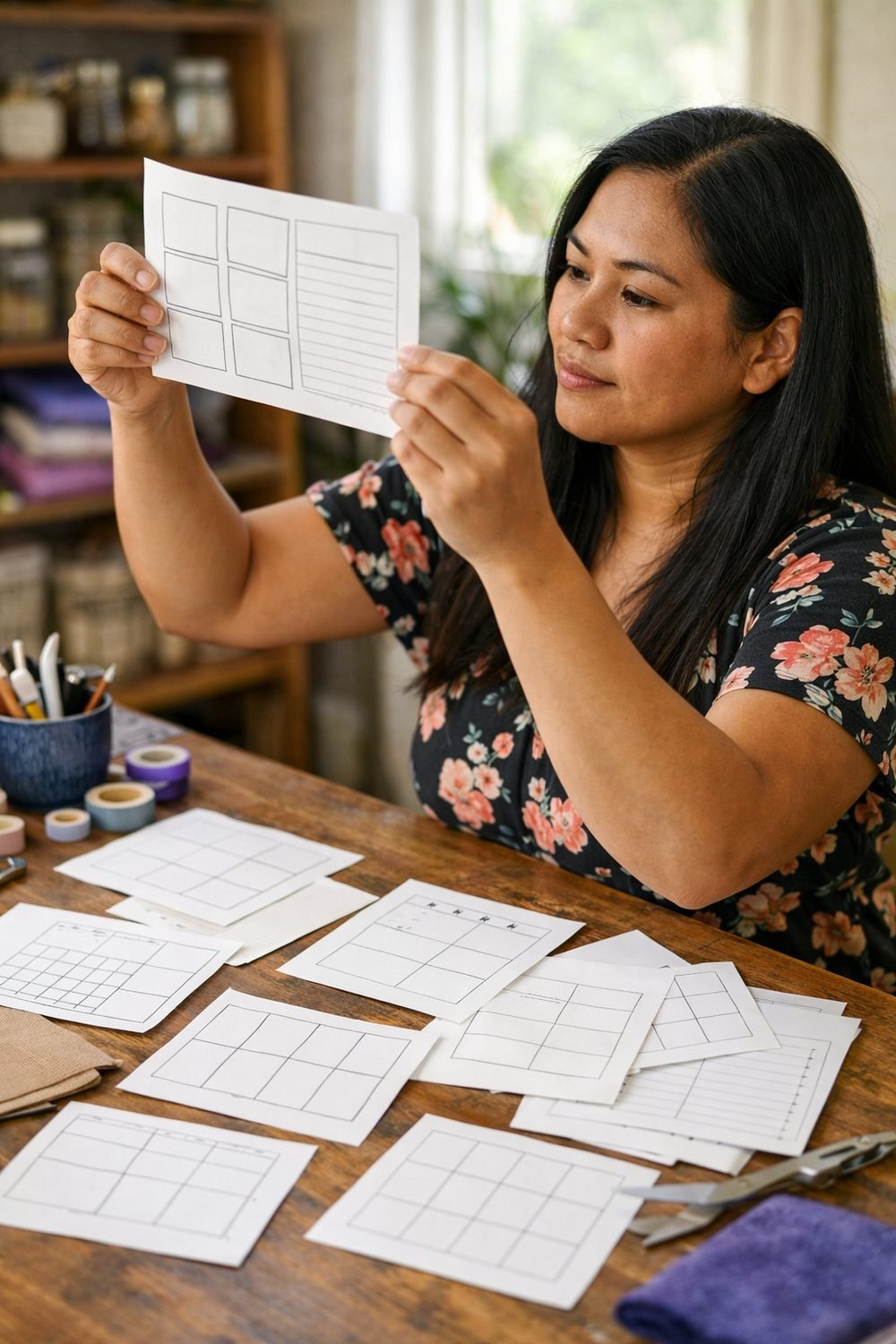
Whether you are comparing daily planners or weekly ones, the best way to find a layout that works is to test it. This post shows you how to print a few different layouts, try each one for a full week, and pick the winner.
Many people buy daily planners, love them for about nine days, and then quietly stop using them. It took me an embarrassingly long time to figure out the problem wasn't me. It was the layout. Some pages gave me room to think. Others made me feel like I was filling out a tax form.
So now I test planner layouts before I commit to one. It costs a bit of paper and a few weeks of paying attention. Here's how I do it, step by step, so you can find the weekly page that actually fits the way your week goes.
Short on time? Our top picks: Pilot G2, Sakura Pigma Micron, Staedtler Triplus Fineliner and Post-it Notes. See all picks
What you need
- Three to five different weekly layouts, printed (any mix of styles works)
- A pen you like writing with, such as a Pilot G2, because a scratchy pen will ruin any test
- A clipboard, folder, or binder to keep the pages flat and together
- A sticky note, like a Post-it Notes pad, or a small notebook for jotting down reactions
- About four to five weeks of normal life
That's it. You don't need stickers, washi tape, or a fancy pen set. Those are fun, but they can hide whether a layout really works.
Step 1: Print a few weekly planners that are truly different
Pick layouts that look clearly different from each other. If all your options are seven equal boxes with slightly different fonts, you won't learn much. You want real contrast.
Here are some styles worth putting side by side:
- Vertical columns: each day runs top to bottom, good if you schedule by time
- Horizontal rows: each day is a wide strip, nice for short lists
- Boxes: seven blocks plus a notes area, very flexible
- List-first: one big weekly to-do list with a small calendar strip
- Priority style: a spot for your top tasks, then the days below
The Weekly Planner Layout Pack below this post has a bunch of these in one place, which is honestly why I put it together. But you can also sketch your own with a ruler if you'd rather start that way.
Tip: Print at the size you'd actually use. A layout that feels roomy on a full sheet can feel cramped once it's shrunk down for a half-size binder. Test the real size.
Step 2: Give each weekly planner layout one full week
This is the part people want to rush. Don't. Use one layout for one whole week, Monday through Sunday, and don't switch halfway because you got curious about another one.
A layout that looks great on a quiet Monday can fall apart on a busy Thursday. You need to see how it holds up across a real week, with the boring days and the chaotic ones.
Rotating through the layouts in a simple order works well. Week one gets layout A, week two gets layout B, and so on. If a week is unusual, like a holiday or a trip, I note that, because a vacation week isn't a fair test for a work-focused page.
Tip: Fill the page in at the same time each week, like Sunday evening with tea. If you set it up differently each time, you're testing your mood, not the layout.
If you'd like to try this without printing a whole set first, my Free Weekly Planner Page in 2 Layouts is a nice small starting point, a bit like free digital planners you can print, and you can grab it by joining the email list.
Step 3: Write down what you liked, while it's fresh
At the end of each week, take two minutes and write what worked. Be specific. "It was nice" won't help you in three weeks when every page blurs together.
Things I look for:
- Did I have enough room for my busiest day?
- Did I actually use the notes box, or just stare at it?
- Was it easy to see the whole week at a glance?
- Did I want to open it, or did I avoid it?
That last one matters more than it sounds. If I keep reaching for a page without thinking, that's a good sign. If I keep "forgetting" it, something's off.
Tip: Write your notes right on the back of that week's page. Then the feedback and the layout stay together and you can't mix them up later.
Step 4: Write down what annoyed you (this is the useful part)
Honestly, the annoyances teach me more than the likes. Small irritations are what make you quit a planner by week three.
Common ones I've run into:
- Boxes too small for real handwriting
- Too many sections, so the page felt busy before I wrote anything
- A habit tracker I never used, taking up space I needed
- Weekend squished into one tiny box when weekends are when I plan the most
- Time slots that started at 8 a.m. when my day starts at 6
Write these down even if they feel petty. "I hate the little lines" is a real, valid finding. If it bugs you in week one, it'll drive you up the wall by month two.
Tip: Circle or highlight the spot on the page that bothered you. It's quicker than writing an explanation, and it makes comparing pages later super easy.
Step 5: Lay out your test pages and pick the winner
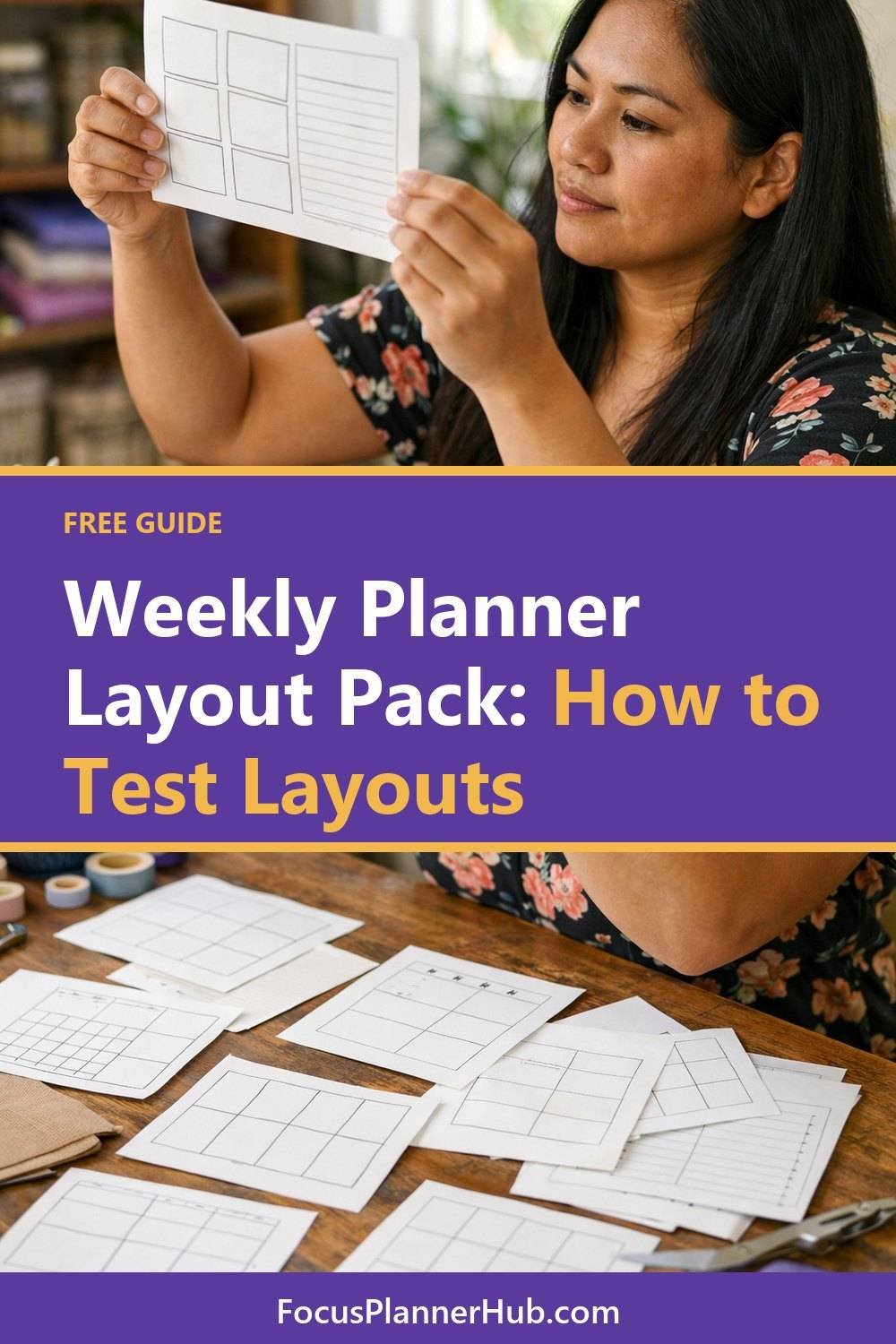
Once you've tested every layout, spread all the used pages on a table. This is my favorite moment. You can usually tell right away which one you actually lived in. It's messier, fuller, more crossed out.
Compare your notes. Look for the layout with the most "liked" notes and the fewest real annoyances. A small annoyance you can work around is fine. A big one, like constantly running out of room, is a dealbreaker.
Sometimes there's no clear winner. That's okay. You might find you liked the priority box from one and the vertical days from another. Which brings me to my favorite trick.
Tip: Ask yourself which page you'd be okay using for the next three months. Not the prettiest one. The one you'd still use on a bad week.
Step 6: Make your own layout if nothing fits perfectly
If two layouts each did half the job, combine them. Cut and tape pieces together, or sketch a version that mixes the parts you liked. Then test that hybrid for a week too.
A good result to aim for is a weekly page with columns for the weekdays, one bigger shared weekend box, and a short "top three" list at the top. No single printable gave me exactly that. Testing showed me what I wanted.
And if your week is mostly a running list of tasks, you might find you don't need much of a weekly calendar at all. Some people do better pairing a simple weekly view with the To-Do List Templates and Daily Planner Pages below this post, so the weekly page stays clean and the details live somewhere else, much like goal planners keep the big picture apart from daily tasks.
Tip: Don't over-design the hybrid. Every extra section is one more thing to fill in. Leave some blank space on purpose.
Step 7: Print a batch and keep using it
Once you've got your winner, print enough for a month or two. Not a full year. Your life will shift, and a layout that fits your spring might not fit your busy fall.
Keep one blank copy somewhere safe as your master. That way you can reprint without hunting through files. Keeping spare pages in a clear sleeve at the back of the binder is a handy option.
Tip: Every few months, look back at how you're using the page. If you've started ignoring a section or writing in the margins, that's your cue to run a quick test again.
Troubleshooting
"I keep forgetting to use the page at all."
This might not be a layout problem. Try keeping the planner somewhere you'll see it every day, like next to your keys or on your desk. If you still skip it, test a simpler layout. Sometimes a page is just too much work to face.
"Every layout feels wrong."
That usually means your weeks vary a lot. Try a list-first or blank-box style that doesn't force structure on you. Flexible pages tend to work better for unpredictable weeks.
"I can't tell if I liked it or was just in a good mood."
Fair. Mood plays a part. If you're unsure, give that layout a second week later in your test. A good layout should still feel decent on a rough week.
"My handwriting doesn't fit."
Try printing at a larger size, or choose a layout with fewer, bigger spaces. Also check your pen. A fine tip, like a Sakura Pigma Micron, can make a small box suddenly workable.
Tools worth considering for your layout tests
You don't need much gear to test planner layouts, but a few basics make the process smoother. Here are some well-known options that fit the steps above.
Pilot G2
A common everyday gel pen that suits people who want a smooth, familiar writing feel for testing pages. Check the tip size, since a finer tip fits small boxes better and a bolder one suits roomy layouts.
Sakura Pigma Micron
A fine-liner pen that suits anyone with small handwriting or tight weekly boxes. Check the tip size and whether the ink looks right on your paper before you commit.
Staedtler Triplus Fineliner
A colorful fineliner set that suits people who like to color-code tasks or circle annoyances in a different shade. Check how the ink behaves on thinner printer paper, as some pens can show through.
Post-it Notes
Handy for jotting quick reactions at the end of each test week and sticking them to the page. Check that the size gives you enough room for a few honest lines.
Avery Binder
A ring binder suits people who want to keep test pages, notes and a blank master copy together. Check the ring size and page format so it matches how you print your layouts.
Canva
A design tool that suits anyone who wants to build a hybrid layout instead of cutting and taping. Check which features sit behind a paid plan, and that the page size matches your printing setup.
Notion
A flexible app that suits people who want to try a digital weekly view alongside paper. Check that you'll really use it day to day, since typing feels different from writing by hand.
Check current plans and prices on each brand's own site before you buy or sign up.
FAQ
How many planner layouts should I test?
Three to five is a good range. Fewer than three doesn't give you much to compare, and more than five starts to blur together. You can always run a second round later.
Do I really need a full week per layout?
The answer is generally yes. A few days won't show you how a page handles your busiest day or your weekend. One full week gives each layout a fair shot.
What kind of paper should I use?
Regular printer paper works fine for testing. If you plan to use markers or heavy pens, try a thicker sheet so ink doesn't bleed through. Check your printer's manual to see what paper weights it can handle.
Can I test layouts with digital planners instead?
You can, but it's a different experience. Writing by hand and typing feel very different, so if you'll end up using paper, test on paper. If you'll stay digital, test digitally.
If you want to start small, grab the Free Weekly Planner Page in 2 Layouts by joining the email list, and give each one a week. That alone will tell you a lot. When you're ready for more options to compare, take a look at the Weekly Planner Layout Pack and the other pages below this post.
Printables and tools that can help with daily planners
Weekly Planner Layout Pack
Five printable weekly planner layouts so you can pick the one that fits how you...
See detailsTo-Do List Templates and Daily Planner Pages
A printable pack of to-do list templates and daily planner...
See details