Sunday Reset Routine

Many people dread Monday mornings. Not because of work, but because of the scramble. No clean shirt, no lunch, a forgotten dentist appointment, and a kitchen that looked like a small storm had passed through. At some point I realized the problem wasn't Monday. It was Sunday, or really, what I wasn't doing on Sunday.
A Sunday reset is just a short routine that gets your home, your schedule (monthly planners help here) and your head ready for the week. It doesn't need to take all afternoon. Mine usually takes about an hour, sometimes less if the week before was quiet. Here's how I do it, what I've dropped along the way, and what I think actually matters.
Short on time? Our top picks: Google Calendar, Todoist, Notion and Paper Mate Flair Felt Tip Pens. See all picks

Start With a Quick Tidy, Not a Deep Clean
This is where a lot of people go wrong. They decide Sunday is the day to scrub the oven, reorganize the closet and wash the windows. Then they're exhausted by 3 p.m. and the rest of the reset never happens.
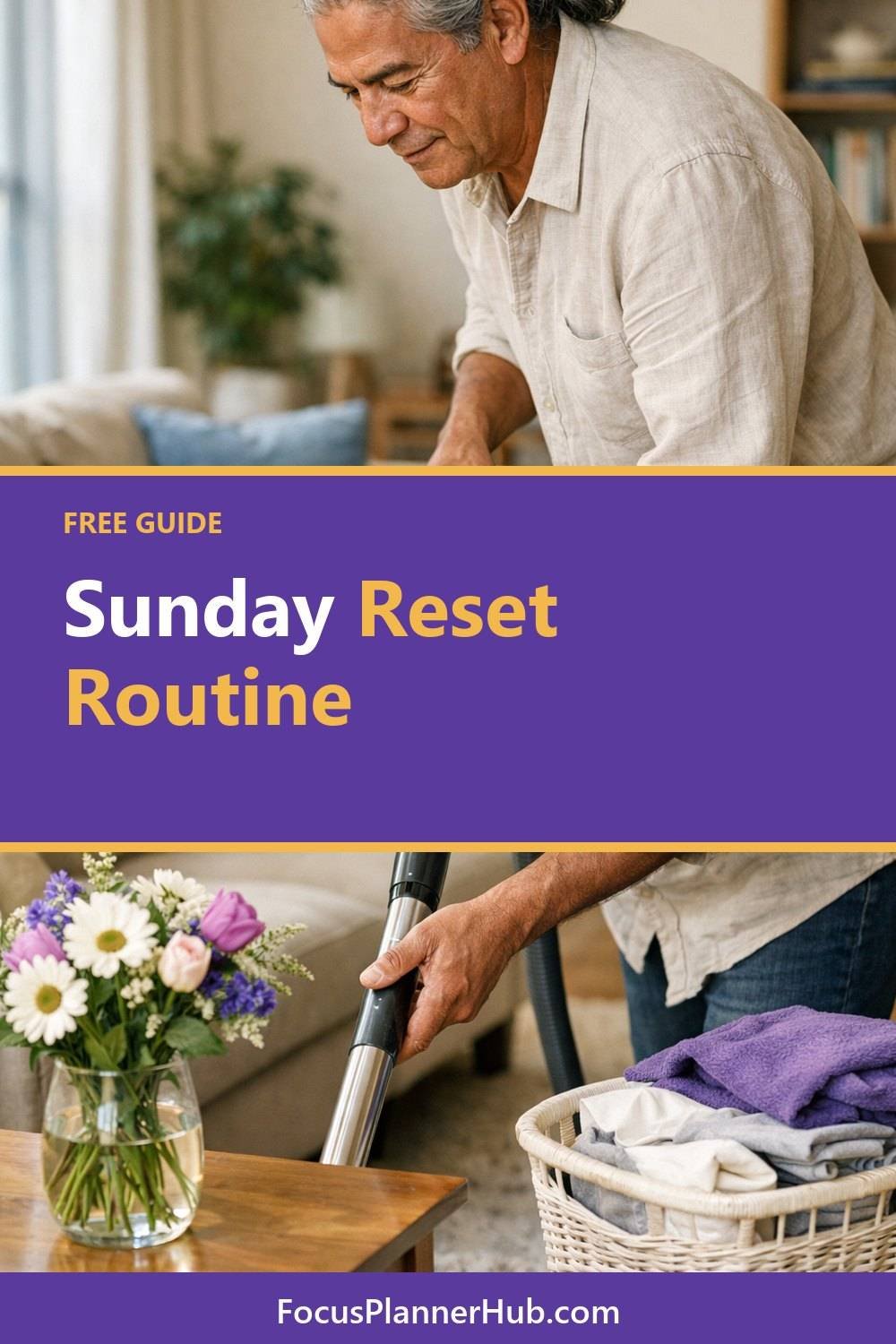
Keep it to a fast pass through the house. Set a timer for 20 or 30 minutes and stick to the stuff that makes the biggest visual difference:
- Clear the kitchen counters and run the dishwasher
- Put stray shoes, mail and bags back where they live
- Start one load of laundry, ideally the one you'll need first
- Take out the trash and recycling
- Wipe down the bathroom sink
That's it. When the timer goes off, I stop, even if there's a pile I didn't get to. The point is waking up Monday to a space that feels calm, not a show home. Honestly, a clear kitchen counter does more for my mood than almost anything else on this list.
Look Ahead With Your Calendar or Monthly Planners
Once the house feels a bit lighter, I sit down on the sofa with a cup of tea and look at the week ahead. This step takes maybe ten minutes, and it's saved me more times than I can count.
I go day by day, whether on paper or in something like Google Calendar, and ask a few simple questions. What's happening? Where do I need to be? Does anything need prep, like a form signed, a gift bought, or a document printed? Is there a day that looks way too full?
This kind of check can reveal a work call booked right in the middle of a school pickup window. Catching that on Sunday meant a quick reschedule email. Catching it on Wednesday at 2:55 would have been a mess.
Also check for gaps. If Thursday evening is wide open, I'll often protect it on purpose instead of letting it fill up with errands. A blank spot on the calendar is worth guarding.
If you like doing this on paper, I've put together a Weekly Planner Layout Pack, which you'll find below this post. It's just the layouts I actually use for this kind of week-at-a-glance check.
Plan Meals the Simple Way
You don't need to prep 21 matching containers on Sunday. A common mistake is making the same meal all week, and chicken and rice can get old by Tuesday. What works for me is much looser.
Pick four or five dinners for the week, based on what's already in the fridge and what the calendar looks like. Busy nights get the easiest meals. Think pasta, tacos, eggs, or leftovers. A quieter night might get something that takes a bit longer.
Then I write a grocery list from those meals. That's the whole system. A few things that help:
- Keep a short list of "default" meals you can make without thinking
- Plan one leftover night so nothing goes to waste
- Wash and chop one or two vegetables ahead if you have the energy
I'd skip the fancy meal planning apps, such as AnyList, unless you really enjoy them. A sticky note, like a Post-it Notes pad on the fridge, is an easy way to do it.
By the way, if you'd like a ready-made page for planning your week, you can grab my Free Weekly Planner Page in 2 Layouts by joining the email list.
Get Bags and Clothes Ready
This one sounds small, and it is. But it might be my favorite part of the whole reset, because Monday-morning me is always grateful.
Lay out clothes for Monday, and sometimes Tuesday too. Check the weather first so you're not standing there at 7 a.m. realizing I need a raincoat. Then I pack whatever bags go out the door: work bag, gym bag, kids' backpacks.
Go through each bag and ask what's missing. Chargers, keys, water bottle, ID badge, library books that are due. If something needs to be signed or returned, put it right in the bag now. Not on the counter where it'll get buried.
Set up a little spot by the front door where everything for the next morning lands. Seeing it all there on Sunday night is oddly satisfying.
Choose Three Priorities for Your Sunday Reset Routine
Here's where the reset moves from your house to your head. With my laptop stand for sofa set up beside me, I pick three things I really want to get done this week. Not 15. Three.
They can be anything. One might be work, like finishing a report. One might be home, like booking that overdue car service. One might be personal, like calling a friend I've been meaning to catch up with.
Why three? With a giant list, it's easy to do the simple stuff and avoid the important stuff. With three, I can see exactly what matters, and if I get those done by Friday, the week feels like a win even if other things slipped.
Before picking, I usually do a quick brain dump. Write every single thing floating around in your head onto one page, then circle the three that matter most. The rest can wait or go on a "maybe" list. The Weekly Reset and Brain-Dump Pages below this post are built around exactly that step, if a guided page helps you.
A Quick Tip on Choosing
If you're stuck, ask yourself: which of these would I feel relieved to have done by Friday? That feeling usually points to the right ones.
Leave Room to Rest in a Cozy Spot
It's easy to leave this step off a routine at first, but it's worth including. A reset that only involves chores isn't really a reset. It's just more work with a nicer name.
So after the practical stuff is done, I switch on a table reading lamp and do something calm. Sometimes it's a walk. Sometimes it's a bath, a book, or a show I don't have to think hard about. Last Sunday it was sitting on the back step with a coffee and doing absolutely nothing for twenty minutes. It was great.
Try to keep screens on the lighter side if you can, and avoid checking work email. That second one is hard for me, I'll admit. But every time I peek at my inbox on Sunday night, I go to bed thinking about it.
How to Make It Stick
The routine only helps if you keep doing it, and nobody keeps doing something that feels like a punishment. A few things helped me turn it into a habit:
- Do it at the same time each Sunday, like late afternoon
- Pair it with something you enjoy, like a favorite playlist, a podcast or a cozy corner with cute table lamps
- Keep a short written checklist so you don't have to think
- Give yourself permission to do a "mini reset" on rough weeks
That last one matters. Some Sundays I'm tired or busy, and I'll only do the calendar check and the bags. That still beats nothing. You don't have to do every step perfectly for it to work.
Tools That Can Help Your Sunday Reset
You don't need much to run a good reset, but a few well-known tools can make the steps easier. Here are some that fit the routine, depending on how you like to plan.
Google Calendar
A good fit if you want a free, shareable calendar for the week-ahead check. It suits families who need to see each other's plans. Check how notifications and shared calendars are set up so they don't overwhelm you.
Todoist
Suits people who like a digital list for their three weekly priorities and recurring tasks. It works well for repeating Sunday chores. Check which features sit in the free plan versus paid ones before relying on it.
Notion
Good for people who enjoy building their own weekly pages, brain dumps and checklists in one place. It's flexible but can take time to set up. Decide whether you want that much setup before you start.
Paper Mate Flair Felt Tip Pens
A simple pick for anyone who prefers writing the week out on paper. Colors can help you separate work, home and personal items. Check whether the ink bleeds through the paper you use.
Post-it Notes
Handy for a fridge meal plan, a grocery list or a reminder on the front door bag spot. They suit anyone who wants a low-effort system. Check that they stick well on the surfaces you plan to use.
AnyList
A grocery list and meal planning app that suits households who share shopping. It lets you build a list from planned meals. Check whether the sharing features you want are included in the plan you choose.
Apple Reminders
Useful if you already use an iPhone and want simple prompts for tasks like booking appointments. It's easy to start with and needs no new account. Check that it fits your setup if others in your home use different phones.
Be sure to check current plans and prices on each brand's own site.
FAQ
How long should a Sunday reset take?
For most people, somewhere between 45 minutes and an hour and a half is plenty. Mine runs about an hour on a normal week. If it's taking all day, you're probably trying to deep clean instead of reset.
Does it have to be on Sunday?
Not at all. If you work weekends or your week starts on a different day, do it the evening before your "Monday." The day doesn't matter much. The habit of looking ahead does.
What if I live alone or don't have kids?
The routine still works, it just gets shorter. You'll have fewer bags to pack and simpler meal plans. The calendar check and the three priorities are just as useful for one person as for a family of five.
Should I do everything on this list?
No. Start with the two or three steps that would help you most and add others later if you want. Plenty of people only do the calendar and priorities, and that alone makes a real difference.
Wrapping Up
A Sunday reset is really just a handful of small things: a fast tidy, a look at the calendar, a loose meal plan, packed bags, three clear priorities, and a little rest. None of it is hard. Together, though, it turns Monday from a scramble into something you can handle.
If you want an easy place to start, join the email list and grab the Free Weekly Planner Page in 2 Layouts. Try it this Sunday. Then, if you'd like more structure, take a look at the Weekly Reset and Brain-Dump Pages and the Weekly Planner Layout Pack below this post.
Printables and tools that can help
Weekly Reset and Brain-Dump Pages
Printable pages for a weekly reset and a brain dump. A planning tool, not a medical...
See detailsWeekly Planner Layout Pack
Five printable weekly planner layouts so you can pick the one that fits how you...
See details