Planner Stickers and Tabs for Goal Planners: Do You Need Them

Planner stickers and tabs can make goal planners easier to use, but they are not essential. This post helps you decide which extras are worth adding and which ones you can skip.
Planner stickers and tabs are optional, even for goal planners. That might sound obvious, but scroll through planner photos for ten minutes and you'd think nobody can plan a Tuesday without washi tape, three sticker sheets and a rainbow of tabs. You can. Plenty of people do.
It's easy to go through phases with this stuff. You might buy a sticker book and never open it, so it helps to start with a small pack. A couple of small extras can also earn a place in your weekly routine. So this post isn't "never buy stickers" or "buy all the stickers." It's about figuring out what actually helps you plan, and leaving the rest on the shelf.
Short on time? Our top picks: Post-it Flags, Avery Index Tabs, Happy Planner Sticker Books and Erin Condren Planner Accessories. See all picks
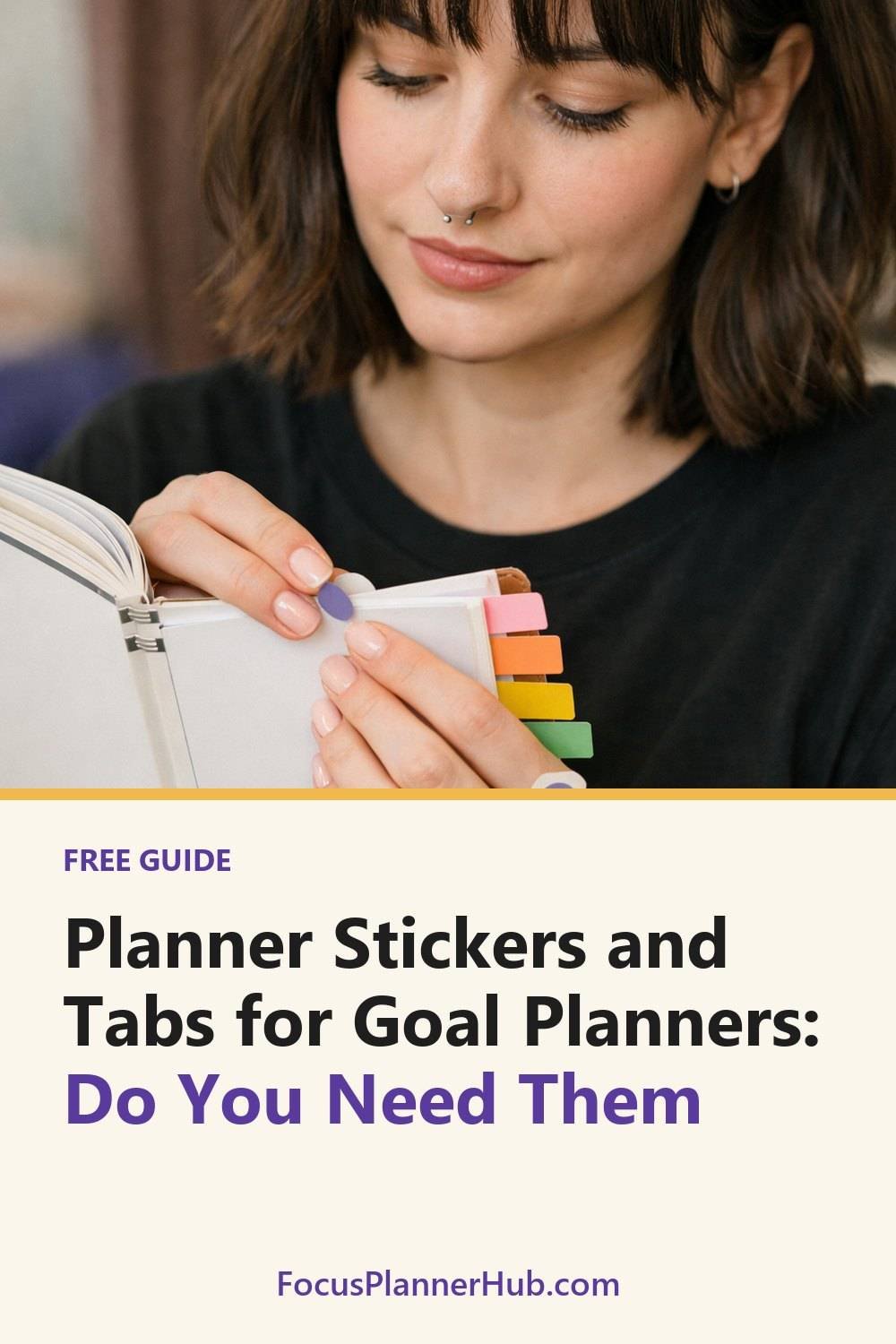
Start by asking what you really use in your goal planners
Be honest here. Open your planner and flip back through the last few weeks. What did you actually do on those pages?
Maybe you wrote appointments and a short to-do list. Maybe you tracked water or workouts for a while and then stopped. Maybe you skipped whole weeks. That's normal, and it tells you a lot.
Stickers and tabs should solve a problem you already have. A few examples:
- You keep losing the current week, so you flip around every morning. A tab or bookmark fixes that.
- You forget recurring things like bill days or trash night. A small icon sticker might catch your eye.
- Your pages feel cluttered and hard to scan. Extras will probably make that worse, not better.
If you can't name the problem, you probably don't need the product yet. It's easy to learn this after buying a "productivity sticker kit" with little icons for things you never do, like meal prepping on Sundays. Cute. Useless to me.
Try tabs before anything else in your planner stickers tabs setup
If you're going to add one thing, I'd make it tabs. They're the most practical extra by a mile.
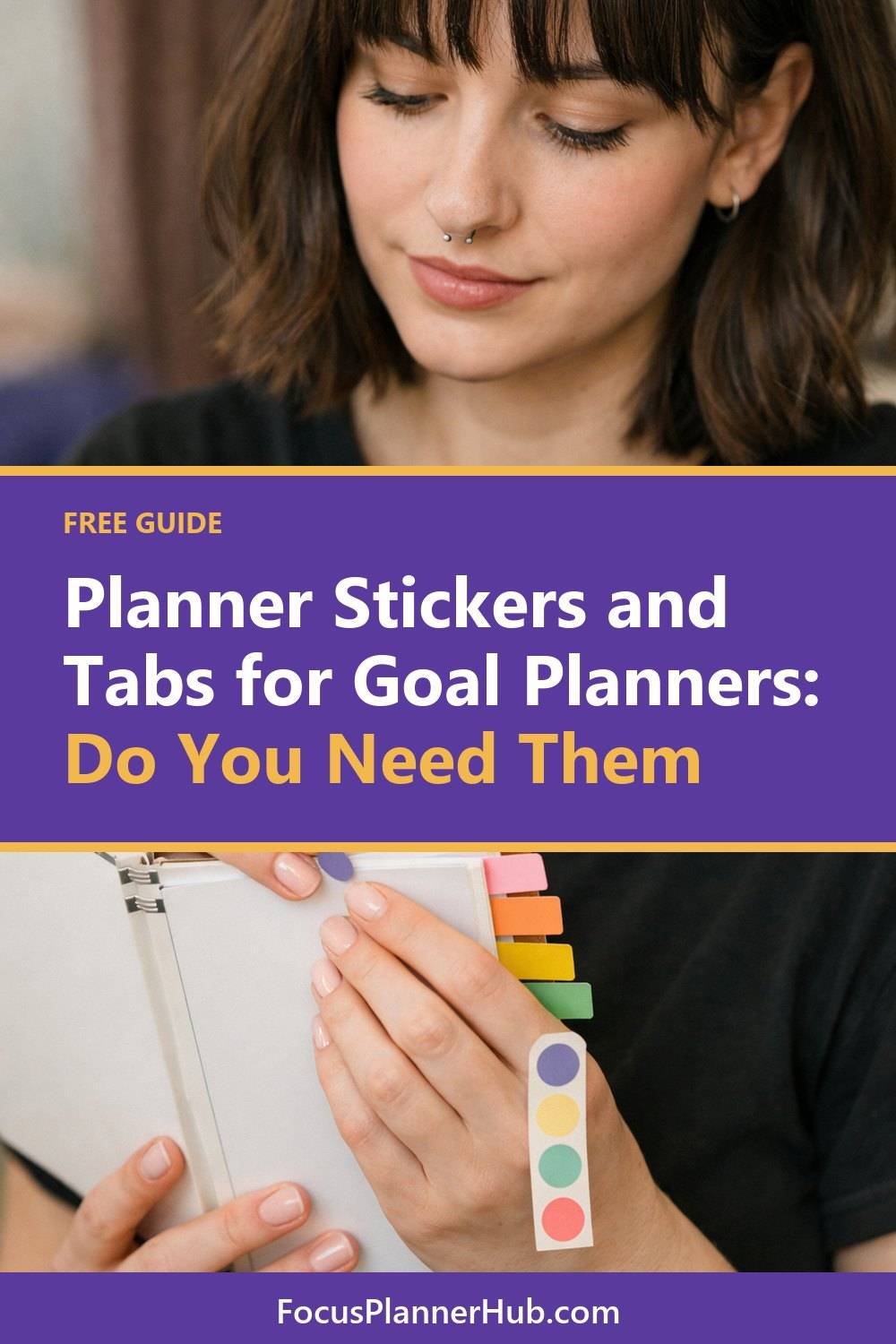
Tabs help you find things fast. That's their whole job, and they do it well. Put one on each month in your monthly planners, or just on the sections you open often, like notes, goals or a running list of birthdays.
You don't need fancy ones. Plain sticky tabs from an office supply aisle, such as Post-it Flags, work fine. Cheap colored flags can do the job just as well as anything nicer, so there's no rush to upgrade.
A tip that saved me some frustration: don't tab every single month on day one. Tab the next two or three. If you still like the system by then, keep going. If not, you haven't covered your planner in tabs you'll want to peel off later.
A simple tab setup to copy
- One tab for the current month.
- One tab for your notes or lists section.
- One moveable bookmark or clip for the current week in your weekly planners.
That's it. You can add more later, but most people find this covers almost everything.
Skip decorative planner stickers if they slow you down
Here's my honest opinion: decorative stickers are fun, but they're overrated as a planning tool. They're more of a hobby. And that's fine if you enjoy the hobby! Some people love sitting down on a Sunday with a cup of tea and decorating their week. If that relaxes you, go for it.
But if decorating turns into a chore, it can quietly kill your planning habit. Some weeks you may avoid opening your planner because you haven't "set it up" yet. The page looked bare, so I avoided it. That's backwards. A plain page you actually use beats a pretty page you skip.
Ask yourself one question: does this make me more likely to open my planner, or less? If a sticker makes you smile and you plan more, keep it. If you feel pressure to make every spread look perfect, let it go.
If you want to test a clean, simple setup first, the free weekly planner page in 2 layouts is yours when you join the email list, and it's a nice way to see how a plain page feels before you buy any extras. Free digital planners are another easy way to try a layout without spending anything.
Keep colors to one or two
Color coding sounds smart. Work in blue, family in green, health in orange, appointments in purple, and so on. In practice, it often falls apart by week three, because you're hunting for the right pen or sticker instead of just writing the thing down.
I'd stick with one color, or two at most, perhaps with a single Mr. Pen highlighter for your top priorities. For example:
- One color: use it only for things that can't be missed, like deadlines or appointments.
- Two colors: one for work, one for home. Simple to remember, easy to scan.
When everything is highlighted, nothing stands out. Fewer colors means the ones you do use actually mean something. Pages get much easier to read when you use just one highlighter for "must do today."
Set a limit so it stays quick
This one helped me more than any product. Set a rough time limit for weekly planning: about 15 minutes, and even less for daily planning. If my sticker routine pushes past that, it's too much.
You could also set a limit on the stuff itself. Something like "no more than five stickers a week" or "only buy new tabs when you run out." It sounds strict, but it takes the pressure off. You stop thinking about what to add and start thinking about what you need to get done.
Money is part of this too. Small extras add up, and it's easy to buy a sheet here and a pack there without noticing. Before you order, check the seller's page for exactly what's included and how many pieces you get. Some "sets" are smaller than the photos suggest.
If you're still choosing a planner and want to compare options before adding extras, the Planner Buyer's Guide and Comparison Sheets below this post can help you sort out which features matter to you.
Review after a month
Give any new system about four weeks. Then sit down and flip back through your pages again, the same way you did at the start.
Look for a few things. Which tabs did you actually use? Did any stickers help you remember something, or were they just there? Did you keep up with your colors, or did they drift? Was planning faster or slower than before?
Keep what worked. Drop what didn't, without guilt. A habit tracker sticker is worth dropping if you never fill it in past the first few days. No shame in that. It just wasn't for me.
You might also find you want more structure, not more decoration. That's often a sign the layout itself isn't working, and a different page setup will help more than any sticker.
Planner extras worth a look
If you decide you want a few extras, these are well-known options that fit the simple approach in this post. Pick only what solves a problem you already have.
Post-it Flags
Suits anyone who wants cheap, plain tabs to mark months, notes or lists. Check that the adhesive and paper are gentle on your planner's pages before you stick them across a whole book.
Avery Index Tabs
A good fit if you like a neat, uniform look for sections. Check the tab size and whether they are meant for pages or for binders, so they match your planner.
Happy Planner Sticker Books
Suits people who enjoy decorating and want a lot of options in one book. Check that the icons match things you really do, so you do not end up with sheets you never use.
Erin Condren Planner Accessories
Works for those who already use a planner from this brand and want extras made to match. Look at what is included in each set and whether it fits your planner size.
Mr. Pen Highlighters
Handy for the one or two color system, such as a single highlighter for must-do items. Check whether the ink bleeds through your planner paper before you commit to a pack.
Pilot FriXion Erasers
Useful if you rewrite plans often and want clean pages without covering things up with stickers. Check how your planner paper handles the ink, and test on a back page first.
Scotch Washi Tape
Suits those who want light decoration or a quick way to mark a page edge. Check that it peels off cleanly from your paper before using it on pages you care about.
Check current plans and prices on each brand's own site before you buy.
FAQ
Do planner stickers and tabs actually help with productivity?
They can, if they serve a clear purpose like marking deadlines or recurring tasks. Decorative stickers mostly add fun, not focus. If they make you open your planner more often, that's a real win.
What's the cheapest way to add tabs?
Plain sticky flags from an office supply store work well. You can also cut tabs from sturdy paper and tape them on. Start small and see if you even use them before buying a nicer set.
Is it bad to have plain, undecorated daily planners?
Not at all. A plain planner you use every day is better than a beautiful one you avoid. Lots of people plan just fine with a pen and nothing else.
How many colors should I use for color coding?
One or two is usually enough. More than that tends to get confusing and slows you down. Pick a color for your most important items and keep it consistent.
The short version
You don't need stickers and tabs to plan well. Start by looking at how you really use your planner. Add tabs first if you need to find pages faster. Skip decorations if they make planning feel like work, keep colors simple, set a time limit and check in after a month.
If you'd like an easy place to start, grab the free weekly planner page in 2 layouts by joining the email list, and use it for a couple of weeks with no extras at all. Then, if you want more pages to work with, take a look at the Weekly Planner Layout Pack below this post. Plain pages first, extras later, and only the ones that earn their spot.
Printables and tools that can help
Planner Buyer's Guide and Comparison Sheets
A printable guide and comparison sheets to note what matters to you before you look at any seller...
See detailsWeekly Planner Layout Pack
Five printable weekly planner layouts so you can pick the one that fits how you...
See details