Planner Buying Checklist for Digital Planners and Paper
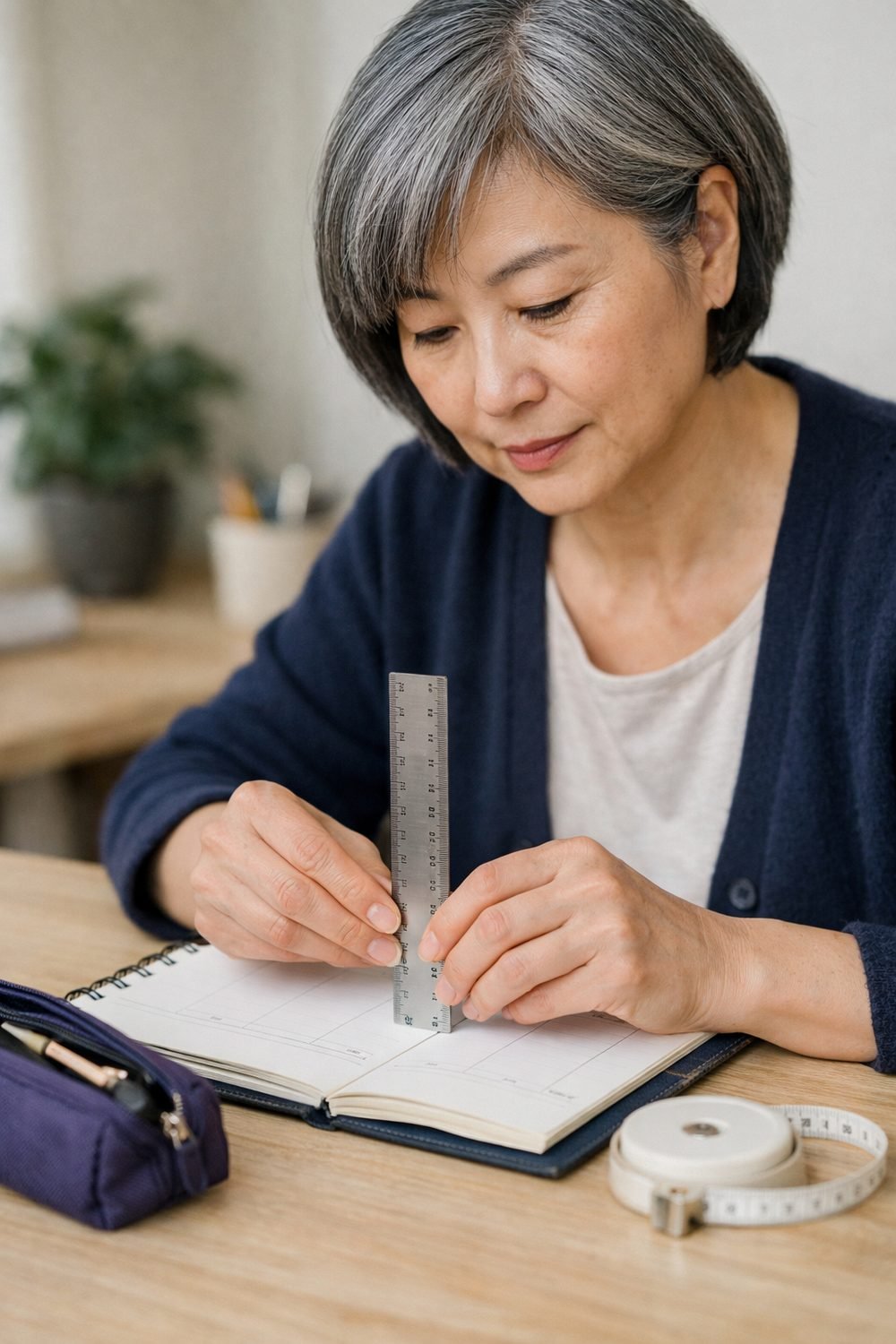
Choosing between digital planners and paper ones is easier with a clear checklist. This post walks through what you plan, writing space, where it will live, paper and binding, extras, price per use and return policies, so you can pick a planner you will actually use.
Many people buy planners they love for two weeks and then shove in a drawer, and plenty try task management apps only to delete them within a month. A plain, slightly boring planner is often the one you end up using every single day for a year. The difference wasn't the price or how pretty the cover was. It was whether the planner actually fit my life.
So before you add one to your cart, run through this planner buying checklist. It takes about ten minutes, and it can save you from that drawer of half-used planners. Ask me how I know.
Short on time? Our top picks: Hobonichi Techo, Moleskine Planners, Erin Condren LifePlanner and Passion Planner. See all picks
1. Figure Out What You're Actually Planning With Your Planner
This sounds obvious, but most people skip it. Are you tracking work meetings? Kids' soccer practice? Homework and exam dates? A mix of everything? Each one needs a different kind of page.
Work planning usually needs hourly slots or at least a clear daily layout. Home planning often works better with weekly planners, where you can see the whole week's chores, meals and appointments at once. School planning tends to need room for assignments and due dates, plus one of those monthly planners so tests don't sneak up on you.
If you plan a bit of everything, look for a weekly layout with a notes column, or try a free digital option like Notion first. That's what I ended up with, and it handles most of my life without fuss.
Tip: Grab a scrap of paper and write down everything you'd want to track in one normal week. Then look at the planner's sample pages and check that each item has a home.
2. Check How Much Writing Space You Get
Big, loopy handwriting needs more room than many planners offer. Some "cute" planners have daily boxes about the size of a postage stamp. With boxes that small, writing "dentist 3pm" can fill the whole day.
Look closely at the photos of the inside pages, not just the cover. How tall are the lines? How wide are the daily boxes? Is there a notes area, or is every inch already labeled with prompts like "gratitude" and "water intake" that you may never fill in?
Pre-printed prompts can be nice, but they eat space. If you won't use them, they just become empty boxes that make you feel behind. You can skip heavily prompted planners unless you already know you like that style.
Tip: If the seller lists the page size, draw that size on a sheet of paper and fill in a real day from your calendar. You'll know right away if it's too cramped.
3. Think About Where It's Going to Live
A planner only works if it's with you when you need it. If it stays on your desk, size and weight don't matter much. Go big and enjoy the room. But if it's riding in your bag every day, a large hardcover can get old fast.
Check the dimensions and, if it's listed, the weight. Then picture your actual bag. Will it fit next to your laptop or water bottle? Will the corners get bent? A soft cover is lighter, but it can get beat up. A hard cover protects the pages but adds bulk.
There's a middle option too. Some people keep a big planner at home and a slim pocket notebook for jotting things down on the go. It worked, as long as I remembered to copy things over each evening.
Tip: Put a book of similar size in your bag for a day or two. If it annoys you, the planner will too.
4. Look at the Paper and Binding
This one wasn't on my radar until a favorite pen bled through to the next day's page. Thin paper and wet ink don't get along. If you like gel pens, felt tips or highlighters, paper quality matters a lot.
Check whether the seller mentions paper weight or says anything about ink bleed. Customer reviews are often more honest here than the product description, whether you are eyeing a Moleskine or any other brand. Look for comments about ghosting, which is when you can see writing from the other side.
Binding matters too. Spiral binding lays flat and folds back, which is great for writing on small desks. Stitched or bound planners look neater and don't snag in bags, but some won't stay open on their own.
Tip: Search the reviews for the name of your favorite pen. Someone has probably tested it.
5. Decide Which Extras Are Worth It
Stickers, tabs, pockets, bookmarks, pen loops, goal planners pages. It's easy to get excited about these. Some are genuinely handy. Others are fun for a week and then just sit there.
Honest take: tabs and a ribbon bookmark are the extras most likely to get regular use. They help me flip to this week or this month without hunting. A back pocket is nice for receipts and appointment cards. Sticker sheets? Most people use only a handful of the extras a planner includes. If stickers make you happy and help you stick with planning, great. Just don't pay a lot extra for them.
And by the way, if you want to test a layout before spending money, you can grab my Free Weekly Planner Page in 2 Layouts by joining the email list.
Tip: Make two columns: extras you'd use weekly and extras that just look nice. Only pay more for the first column.
6. Do the Price-Per-Use Math for Digital Planners
A pricier planner isn't always a bad deal, and a cheap one isn't always a good one. What matters is how much you'll actually use it.
Here's the simple version. Take the price and divide it by the number of weeks you realistically think you'll use it. A planner you use for 50 weeks may cost less per week than a cheaper one you quit after a month. On the flip side, if you're new to planning and not sure you'll stick with it, starting low makes sense. You can always upgrade.
Watch out for dated planners bought late in the year. If it starts in January and you're buying in May, you're paying for months you'll never use. Undated planners avoid that problem, though you'll have to fill in the dates yourself.
If you like keeping an eye on prices before you buy, the Price-Watch Tracker for Planners below this post is a simple way to note what you see and when.
Tip: Be honest about past planners. If you usually stop by March, factor that in.
7. Read the Return Policy Before You Pay
Boring, I know. But this is the step that saves you when the planner shows up and the paper feels flimsy or the layout just isn't you.
Check how many days you have to return it, whether it needs to be unused, and who pays return shipping. Some sellers won't take back planners once they're opened or written in. Others only offer store credit. Policies vary a lot, so read the seller's own page rather than assuming.
When it arrives, look it over before you write anything. Flip through every section. Test a pen on the very last page, where it won't matter much.
Tip: Take a screenshot of the return policy when you order. It's handy if the page changes later.
Planners and Tools Worth a Look
Here are some well-known options to compare against your checklist. None of them is the right answer for everyone, so match each one to how you actually plan.
Hobonichi Techo
A good fit if you like small, detailed pages and enjoy writing a lot. Check the page size and paper against your handwriting and favorite pens before you commit.
Moleskine Planners
Suits people who want a simple, classic notebook-style planner that travels well. Look at the layout options closely, since weekly and daily formats suit very different lives.
Erin Condren LifePlanner
Suits people who like a colorful, customizable planner with plenty of extras. Check whether you would really use the add-ons, since they can push up the total cost.
Passion Planner
A fit for readers who want goal setting built into their planning pages. Check whether the pre-printed prompts match how you think, or whether they will take up space you need.
Leuchtturm1917
Works well for people who like a bound notebook with a clean look and want to build their own layout. Check the paper with your usual pens, because ink behavior matters more than the cover.
Todoist
Suits anyone who wants a digital task list that works across phone and computer. Check which features sit behind a paid plan before you rely on it.
Notion
A flexible option for people who like to build their own digital planner from templates. It can take some setup time, so make sure you will enjoy tinkering before you start.
Check current plans and prices on each brand's own site before you decide.
FAQ
Should I get a dated or undated planner?
Dated planners save you time and look tidy. Undated ones are more flexible, and you don't lose pages if you skip a week or start mid-year. If you tend to fall off and come back, I'd go undated.
Are daily planners better than weekly ones?
It depends on how busy your days are. If you have lots of appointments or tasks each day, daily pages give you room. For most people with a normal mix of things, a weekly spread is enough and easier to keep up than daily planners.
How do I compare a few planners side by side?
Write down the same details for each one: size, layout, paper, extras, price and return policy. The Planner Buyer's Guide and Comparison Sheets below this post give you a ready-made way to do that if you'd rather not set it up yourself.
What if I buy one and stop using it?
It happens to almost everyone. Try to figure out why, maybe it was too big, too cramped, or a task management app would have suited you better. That's useful info for your next pick, so it isn't a total loss.
If you're still deciding, start small. Grab the Free Weekly Planner Page in 2 Layouts from the sign-up box, print it, and use it for a week or two. You'll learn a lot about what you like. Then, when you're ready to shop, take a look at the comparison sheets and price tracker below this post to help you choose without second-guessing.
Printables and tools that can help
Planner Buyer's Guide and Comparison Sheets
A printable guide and comparison sheets to note what matters to you before you look at any seller...
See detailsPrice-Watch Tracker for Planners
A browser notebook where you enter the prices you see and it tells you when you reach your own...
See details