Lighting Tips for Your Workspace
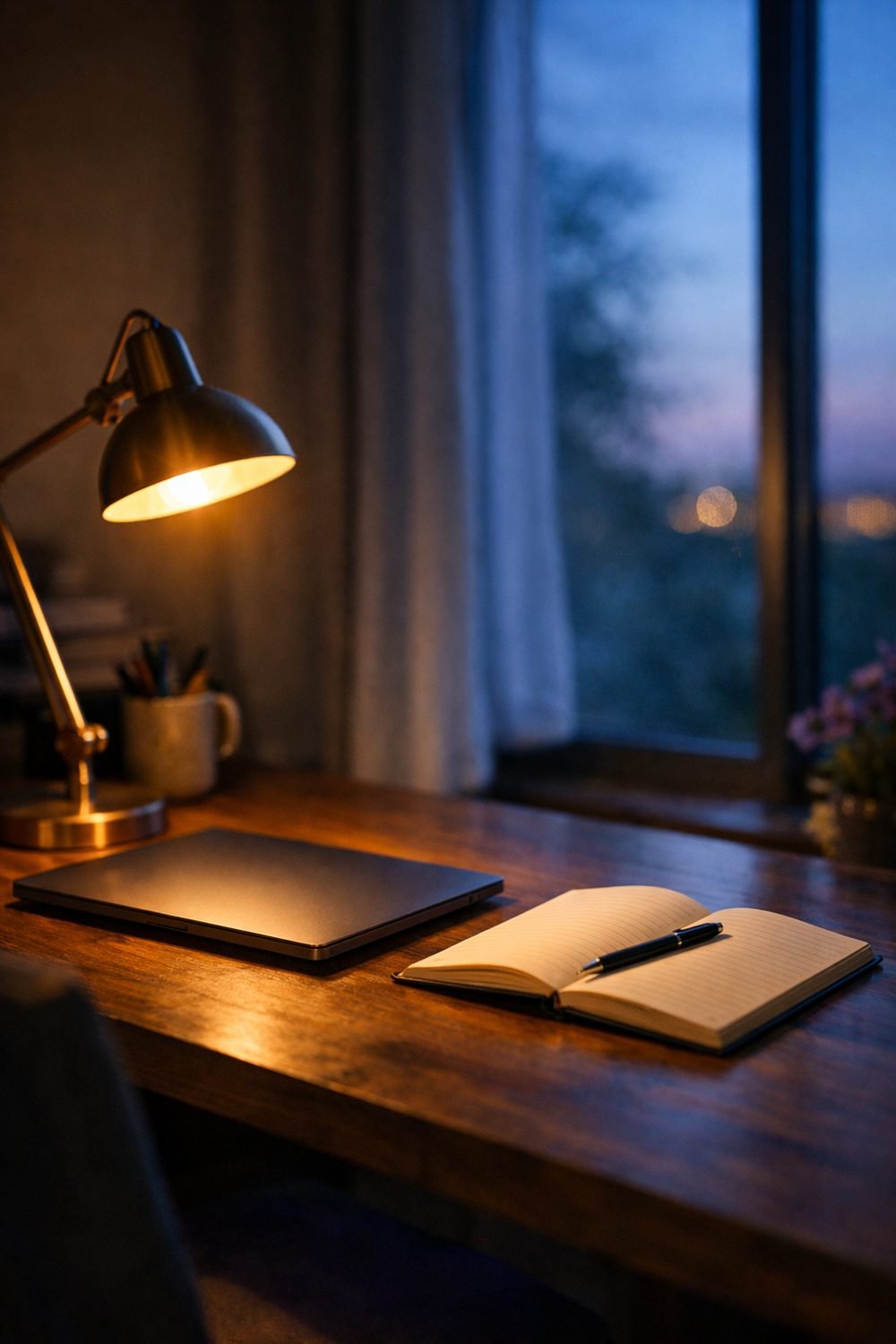
Many people end up working at a desk shoved into the darkest corner of the room. By 3 p.m. my eyes felt gritty and I'd catch myself squinting at the screen like it owed me money. It's easy to blame the coffee, the chair, or the to-do list when poor lighting is the real cause. It took me an embarrassingly long time to realize the problem was the light, and that the best desk light for me was a setup, not one fancy product.
You don't need fancy gear to fix this. Most of what helped me cost nothing, or close to it. Here's what actually made a difference for my workspace lighting, in the order I'd try it.
Short on time? Our top picks: BenQ ScreenBar, Anglepoise Type 75, IKEA Desk Lamps and Philips Hue Smart Bulbs. See all picks
1. Start With the Window You Already Have
Daylight is the easiest light to work in, and it's free. If you can move your desk closer to a window, do that before you buy anything. Even a few feet can change how the whole room feels in the afternoon.
The trick is where you sit in relation to it. Facing a bright window straight on can feel nice at first, but your eyes keep adjusting between the glowing glass and your darker screen. Sitting with the window directly behind you is worse, because it bounces right off your monitor.
Try this: Put the window to your left or right, so the light falls across your desk from the side. Sit there for a full morning before deciding if it works. First impressions about lighting can be wrong.
2. Hunt Down the Glare
Glare sneaks up on you. A shiny screen, a glossy desk, even a framed photo on the wall behind you can throw light right into your eyes. You might not notice it until you get a headache and can't figure out why.
Here's a quick test I like. Turn your monitor off so the screen is black, then sit in your normal spot. Whatever you see reflected in it, a lamp, a window, a ceiling light, is what's fighting you all day.
Try this: Tilt the screen a little, shift it a few inches, or hang a light curtain over the problem window. Sheer curtains are underrated. They soften the light without making the room gloomy.
3. Get a Desk Light You Can Actually Move
Overhead lights alone usually aren't enough. They light the room, not your work. A good LED desk light, such as an adjustable Anglepoise style lamp, puts light where your hands and papers are, which matters a lot if you write things down.
A small desk light works fine here, as long as it has an arm or head you can bend and swivel. It's easy to buy a pretty, fixed lamp just because it matches your shelf, but you'll want one you can adjust. It looked great and was useless, because I couldn't point it anywhere helpful. You can skip anything that only goes one way.
Try this: Before buying, check the product page for whether the lamp adjusts in height and angle, and whether the brightness can be changed. Dimmable is nice to have, since your needs shift between morning and evening.
4. Pay Attention to Warm vs. Cool Light
Bulbs and LED table lights come in different "colors," from a cozy yellow-orange to a crisp bluish white. Warm light feels relaxing. Cool light feels more awake and can make details easier to see. Neither one is wrong.
A cooler, brighter white works well during the day for planning or reading closely. In the evening, switch to warmer light, since bright white can feel harsh and keep you buzzing when you want to wind down. That's just my experience, so test what feels right for you.
Try this: Bulb boxes usually list the color temperature on the label. If you're unsure, buy one of each type, say from Lepro, and swap them for a few days. It's a cheap experiment.
5. Put the Lamp on the Right Side
Where your lamp sits matters almost as much as the lamp itself. If it's on the same side as your writing hand, your hand casts a shadow right over the page. Annoying, and very easy to fix.
If you're right-handed, place the lamp on your left. Lefties, flip it. You also want the light angled down at the desk, not shining toward your face or onto the screen.
If you're setting up a new desk from scratch, the Set Up Your Desk Starter Guide below this post walks through placement like this along with the rest of your setup. By the way, if you plan your week on paper, you can grab my Free Weekly Planner Page in 2 Layouts when you join the email list.
Try this: Write a few lines by hand with the lamp on, and watch for shadows. Adjust until the page is evenly lit.
6. Balance Your Screen With the Room
A bright screen in a dark room is rough on your eyes. So is a dim screen in a sunny room. You want the two to feel roughly matched, so your eyes aren't working hard every time you glance away.
This is the one I ignored longest. Working late with only the monitor on can feel focused and moody, but it is hard on your eyes. It also left me with tired, achy eyes. Turning on even a modern desk light or small lamp behind or beside the screen helped right away.
Try this: Lower your screen brightness at night, and keep a soft light on in the room. Many computers have a setting that shifts screen color warmer in the evening, which is worth switching on.
7. Don't Forget the Rest of the Room
Your desk can be perfectly lit and the room can still feel like a cave. One bright island in total darkness feels oddly draining. A bit of general light around you makes the space feel calmer.
This doesn't mean blasting the ceiling light. A floor lamp in a corner, perhaps from IKEA, or a battery powered table lamp on a shelf is enough. Light bouncing off a pale wall spreads nicely too.
Try this: If your walls are dark, aim a lamp at the ceiling instead. It spreads the light around more softly.
8. Give Your Eyes Real Breaks
Even with great lighting, staring at one spot for hours wears you out. Your eyes need to look at something far away now and then. It sounds too simple to matter, but it does.
You can tie breaks to your planner. When I finish a task and tick it off, I look out the window for a bit before starting the next one. It's become a habit, and I notice the difference on days I skip it.
Try this: Every so often, look at something across the room or outside for several seconds. If your eyes keep bothering you anyway, it's worth checking with an eye doctor rather than guessing.
Lighting picks worth a look
If the free fixes above still leave a gap, a few well-known lights and bulbs can help. Here are some real options, with what to check before you choose.
BenQ ScreenBar
This is a monitor-mounted light that aims light at the desk instead of the screen. It suits people with limited desk space who want to cut glare. Check that your monitor's shape and thickness work with the mounting clip.
Anglepoise Type 75
A classic adjustable arm lamp that suits anyone who wants a good-looking light they can still point anywhere. Check the base or clamp style so it fits your desk and the bulb type it uses.
IKEA Desk Lamps
IKEA carries a wide range of simple, adjustable desk lamps, which suits anyone who wants to try a lamp without a big commitment. Look closely at whether the arm and head move, and whether the bulb is included or replaceable.
Philips Hue Smart Bulbs
These bulbs let you change brightness and warm or cool tones from an app, so they suit people who want one lamp to work for both morning and evening. Check whether you need a separate hub and which fixtures the bulb fits.
Lepro LED Bulbs
Lepro sells simple LED bulbs in different color temperatures, which suits the cheap swap test described above. Check the color temperature on the box and the base size before buying.
TaoTronics LED Desk Lamps
TaoTronics makes LED desk lamps with adjustable heads, a good fit for people who write by hand and want focused light. Check the brightness and color settings, and how far the head can tilt.
Lamps Plus Floor Lamps
This retailer offers many floor lamps, handy for adding soft background light to a dim room. Look for one with an adjustable or upward-facing head so you can bounce light off the ceiling.
Check current plans and prices on each brand's own site before you buy.
FAQ
Do I need to buy special workspace lighting?
Not really. Moving your desk, fixing glare, and adding one adjustable lamp will cover most of it. Try the free fixes first and only buy what's still missing.
Is warm or cool light better for working?
It depends on you and the time of day. Lots of people like cooler white for focused work and warmer light in the evening. Test both for a few days and see which feels easier.
What if my only desk spot has no window?
That's fine. Use a good office desk light plus some soft light elsewhere in the room so it doesn't feel closed in. A pale wall or ceiling to bounce light off helps a lot.
Can bad lighting cause headaches?
Plenty of people say glare and dim light leave them feeling strained, and I've felt that too. But headaches can have many causes. If they keep happening, talk to a doctor or eye professional.
If you only do one thing today, try the black screen glare test. It takes a minute and might explain a lot. Then grab the Free Weekly Planner Page in 2 Layouts by joining the email list, and if you want help with the rest of your setup, take a look at Plan Your Week, the Set Up Your Desk Starter Guide, and the Productivity Planner and Checklist Bundle below this post.
Printables and tools that can help
Plan Your Week, Set Up Your Desk Starter Guide
A plain-English starter guide to weekly planning and a tidy desk. General information...
See detailsProductivity Planner and Checklist Bundle
A printable bundle with a 30-day goal page, weekly planner and setup checklists for students and remote...
See details