Break a Big Task Into Small Steps with a Free Task Management App

A big task feels heavy when you cannot see where to start. Splitting it into small steps makes it manageable, and a free task management app, or even a simple paper list, gives those steps a place to live. This guide walks you through six simple steps, from writing the goal to checking off your progress.
Big tasks have a way of sitting on your list for weeks. You look at "redo the garage" or "write the report" and your brain just slides right off it. What finally helped me wasn't more willpower. It was breaking the thing into steps so small they felt almost silly.
Small steps are easier to start. And once you start, you usually keep going. This guide shows you how to break down a task, using the exact process I rely on, from a vague, heavy goal to a first step you can do today.
Short on time? Our top picks: Todoist, Trello, Notion and Microsoft To Do. See all picks
What You Need
Nothing fancy here. You can do this with whatever's on your desk right now.
- A sheet of paper, a notebook, or a planner page
- A pen (pencil works too if you like erasing)
- About 20 to 30 minutes of quiet time
- Your calendar, paper or phone (something like Google Calendar works), for the scheduling step
- Optional: sticky notes, if you like moving things around
You can skip any task app for the first round, even the best task app you can find. Typing feels fast, but writing by hand makes you slow down and actually think about each step.
Step 1: Write the Goal in One Sentence
Start by naming what "done" looks like. Not the feeling you want, but the actual finished result. Write it at the top of your page in one sentence.
"Get organized" is too fuzzy. "Clear out the hall closet so the door shuts and I can find the vacuum" is something you can picture. You'll know when you've finished it.
If you can't fit your goal into one sentence, it might be two goals pretending to be one. That's fine. Pick one to work on now and park the other at the bottom of the page.
Tip: Start your sentence with a verb. "Finish," "send," "clean," "book." It nudges your brain toward action instead of worry.
Step 2: Break Down the Task and List Every Tiny Step
Now brain-dump. Write down everything that has to happen for that goal to be done. Don't sort it yet. Don't judge it. Just get it out of your head and onto paper.
Here's where most people go wrong. They write steps like "do the research" or "pack the kitchen." Those aren't steps. Those are smaller big tasks. Keep breaking them down until each one is something you could do in one sitting without having to stop and figure out what to do next.
So "pack the kitchen" might turn into:
- Get five boxes from the garage
- Buy packing tape
- Wrap the glasses in newspaper
- Pack the pots and pans
- Label each box with a marker
Yes, "buy packing tape" belongs on the list. Those little errands are exactly the things that stall you halfway through a Saturday. It's easy to lose a whole afternoon of moving prep just because you don't have tape. Never again.
Tip: If a step makes you sigh when you read it, it's probably still too big. Break it again.
Step 3: Put the Steps in Order
Look over your list and ask a simple question for each item: what has to happen before this?
Number them. Some steps will clearly come first, like gathering supplies or getting information from someone else. Others can happen in any order, and that's okay. Just pick an order that makes sense to you.
Watch out for steps that depend on other people. If you need a reply, a signature, or a piece of info from a coworker, move that ask near the top. You can work on other things while you wait, but you can't speed up someone else's inbox.
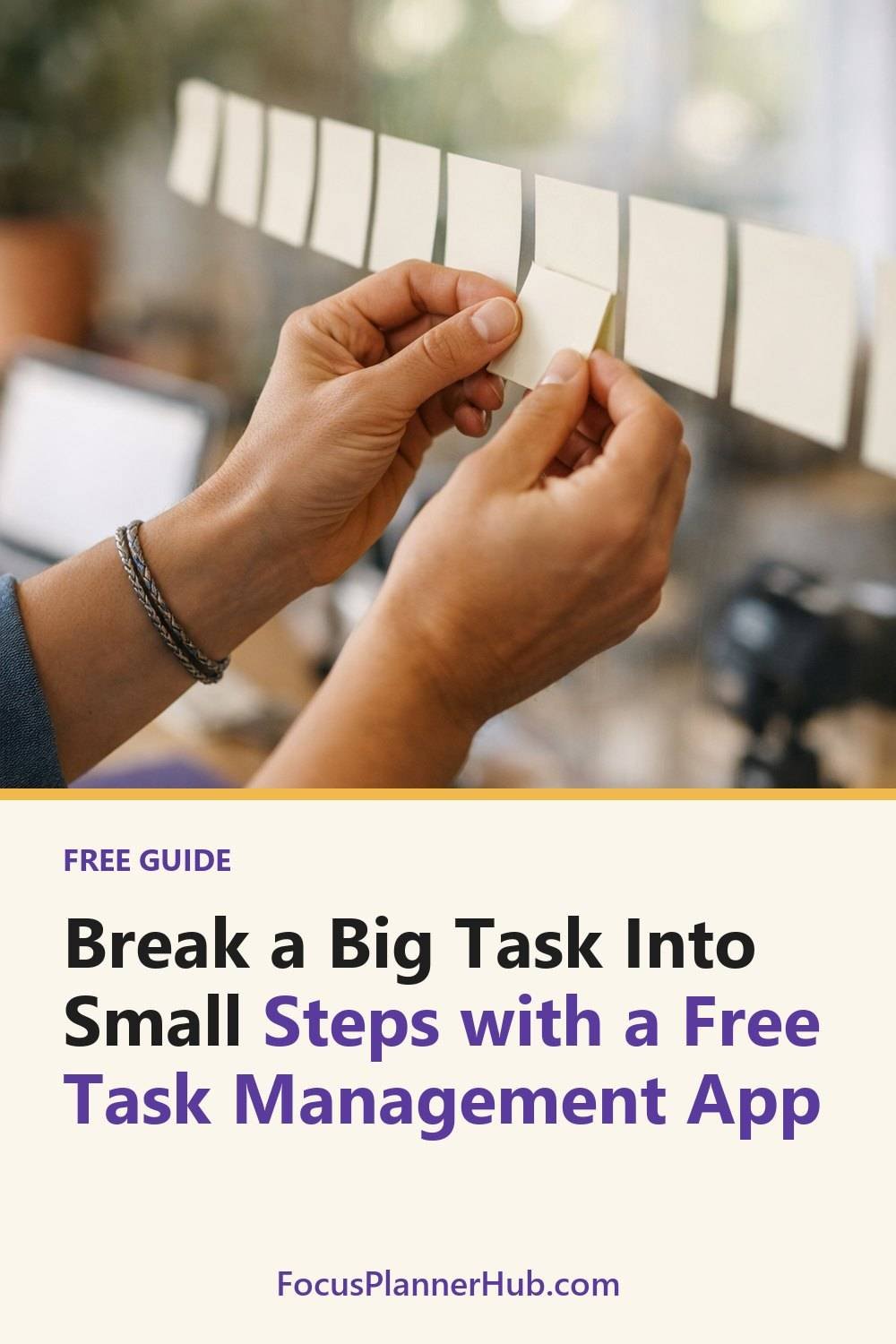
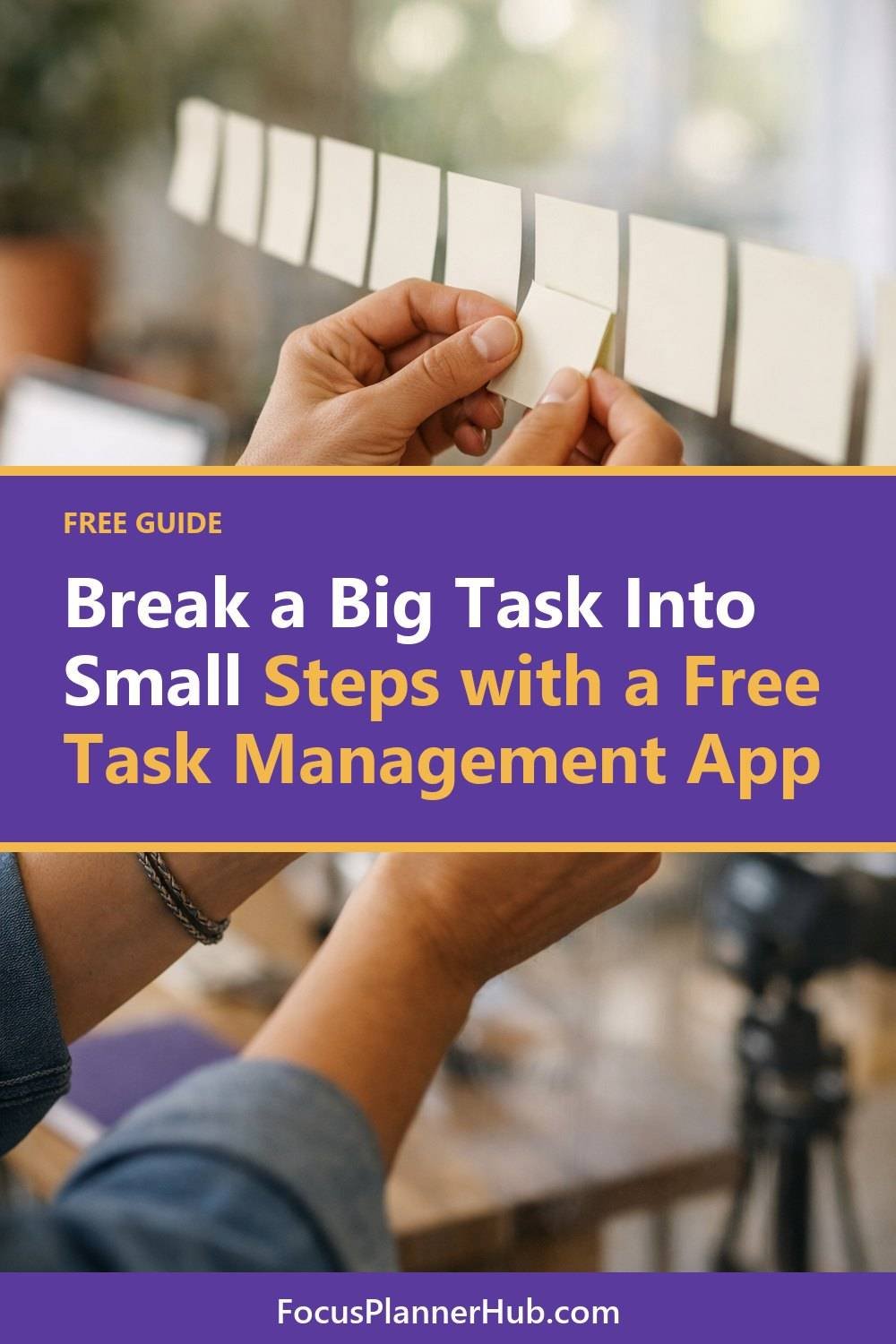
Sticky notes, such as Post-it Notes, are handy here. Write one step per note, then shuffle them around on a table or wall until the order feels right. It's oddly satisfying.
Tip: Don't stress about getting the order perfect. You'll probably shift a step or two once you start, and that's normal.
Step 4: Estimate the Time for Each Step
Next to each step, jot down a rough guess at how long it'll take. Five minutes, twenty minutes, an hour. Keep it loose.
Honestly, my first guesses are almost always too short. Most people's are. So here's what I do: I make my guess, then add a little extra. If I think something takes 15 minutes, I write 20 or 25.
This step does two things. First, it shows you how big the whole project really is, which can be a relief or a wake-up call. Second, it helps you spot the quick wins. Those five-minute steps are great for days when you're tired but still want to make progress.
If you like keeping all this on one page, the Task Breakdown and Time-Blocking Workbook below this post works like a printable task breakdown worksheet, with space for listing steps and their time estimates side by side. A plain notebook works fine too, though.
Tip: If any single step is over an hour, see if it can be split. Long steps are easy to put off.
Step 5: Schedule the First Step in Your Daily Focus Planner
This is the step people skip, and it's the one that matters most. A nice list on paper doesn't move anything forward. Doing the first thing does.
Look at step one. Pick a time today, or tomorrow morning at the latest, and put it on your calendar. An actual time, like "4:15 to 4:30," not just "sometime today."
If step one feels too hard to start right now, you've found a step that needs breaking down again. Sometimes my real first step is just "open the document and type the title." That's it. It sounds ridiculous, but it works because it's too small to argue with.
After the first step, you can schedule a few more across the week. Keep it to a handful at a time rather than planning out the whole month. Plans that go too far ahead tend to fall apart the moment life gets busy.
By the way, if you want a simple page for mapping out your week, you can grab the Free Weekly Planner Page in 2 Layouts by joining the email list.
Tip: Put the step where you'll see it. A sticky note on your laptop or fridge is harder to ignore than a reminder you swipe away.
Step 6: Check Steps Off and Notice Your Progress
When you finish a step, cross it off. Physically. Draw a line through it or tick the box. That little moment counts more than you'd think.
Big projects can feel endless because you don't see the finish line for a long time. Seeing a page slowly fill up with checkmarks reminds you that you're actually getting somewhere.
Celebrate in small ways. This doesn't mean throwing a party for packing one box. But a cup of tea, a short walk, or just leaning back and saying "okay, done" out loud? Those are worth it. Some people like giving themselves something bigger at the halfway point. Do what feels good to you.
Tip: Keep your finished list for a while. On rough days, looking back at what you've already done can get you moving again.
Troubleshooting: When It Still Feels Stuck
"I made the list, but I still don't want to start."
That usually means the first step is too big or too vague. Shrink it. "Write the intro" becomes "write one sentence of the intro." You're aiming for something so easy that not doing it feels sillier than doing it.
"My list got way too long and now I'm overwhelmed."
This happens a lot. Seeing 40 steps can feel worse than seeing one giant task. Try folding the list over, or covering it with another sheet, so you only see the next three or four steps. You don't need to look at the whole mountain while you're climbing it.
"I keep falling behind my schedule."
Your time estimates were probably too tight. That's not a failure, it's information. Go back and adjust them based on how long things really took. Plan fewer steps per day for a while and see if that feels more doable.
"A step turned out to be harder than I expected."
Stop and break that one step down again, right there in the middle. It's completely fine to rewrite your plan as you go. A plan is a tool, not a promise you made to anyone.
"I got distracted and lost a whole week."
It happens to everyone. Don't restart from scratch. Look at your list, find the next unchecked step, and schedule it for today. The plan is still there waiting for you.
Tools Worth Considering for Breaking Down Big Tasks
Paper does the thinking part well, but a few tools can help you keep the steps in view once they are written down. Here are some real options to look at, depending on how you like to work.
Todoist
A good fit if you like checklists with sub-tasks and due dates in one place. Check how its free and paid plans differ before you rely on it for a long project.
Trello
Suits visual people who enjoy moving cards around, much like sticky notes on a wall. Check whether a board feels too loose for you if you want a strict step-by-step order.
Notion
Works for people who want notes, lists and a project plan together. Check how much setup time you are willing to spend, since it can be easy to tinker instead of doing the work.
Microsoft To Do
A simple list app that suits anyone already using Microsoft accounts and Outlook. Check that it handles sub-steps the way you want before moving a big project into it.
Google Calendar
Handy for the scheduling step, since you can block out a time slot for your first small step. Check your notification settings so reminders actually get your attention.
Google Keep
A light option for quick checklists and digital sticky notes. Check whether you need more structure, as it is better for short lists than large projects.
Post-it Notes
Ideal for the ordering step, where you write one step per note and shuffle them around. Check that the size you pick leaves room for your handwriting and sticks to the surface you plan to use.
Please check current plans and prices on each brand's own site before you choose.
FAQ
How small should each step be?
Small enough that you know exactly what to do without having to think it through first. For most people, that's something that takes under an hour, and often much less. If you hesitate when you read it, go smaller.
Should I use paper or a task manager?
Whichever one you'll actually use, and the best task manager is usually the one you open every day. Paper works well for the planning part because it helps you think, and then you can put the scheduled steps into your phone calendar. Try both, including a few free task management tools like Todoist or Microsoft To Do, and keep what sticks.
What if I don't know all the steps yet?
That's normal, especially for something you've never done before. Write down the steps you do know and add "find out how to..." as a step for the parts you don't. You'll fill in the gaps as you learn more.
Can I use this task breakdown worksheet idea for daily to-do lists too?
Yes. It works for small chores as well as big projects. If you want ready-made pages for that, the To-Do List Templates and Daily Planner Pages below this post are set up for everyday lists.
Your Next Step
Pick one big task that's been hanging over you. Just one. Grab a sheet of paper, write the goal at the top, and give yourself twenty minutes to work through these steps. If you'd like a clean page to plan your week on, sign up for the Free Weekly Planner Page in 2 Layouts. And if you want something more structured after that, take a look at the workbook and planner pages below this post. Start small, start today, and let the checkmarks pile up.
Printables and free task management app options that can help
Task Breakdown and Time-Blocking Workbook
A printable workbook for breaking tasks into small steps and blocking time. A planning tool, not a medical...
See detailsTo-Do List Templates and Daily Planner Pages
A printable pack of to-do list templates and daily planner...
See details